Free
Pattern unlock
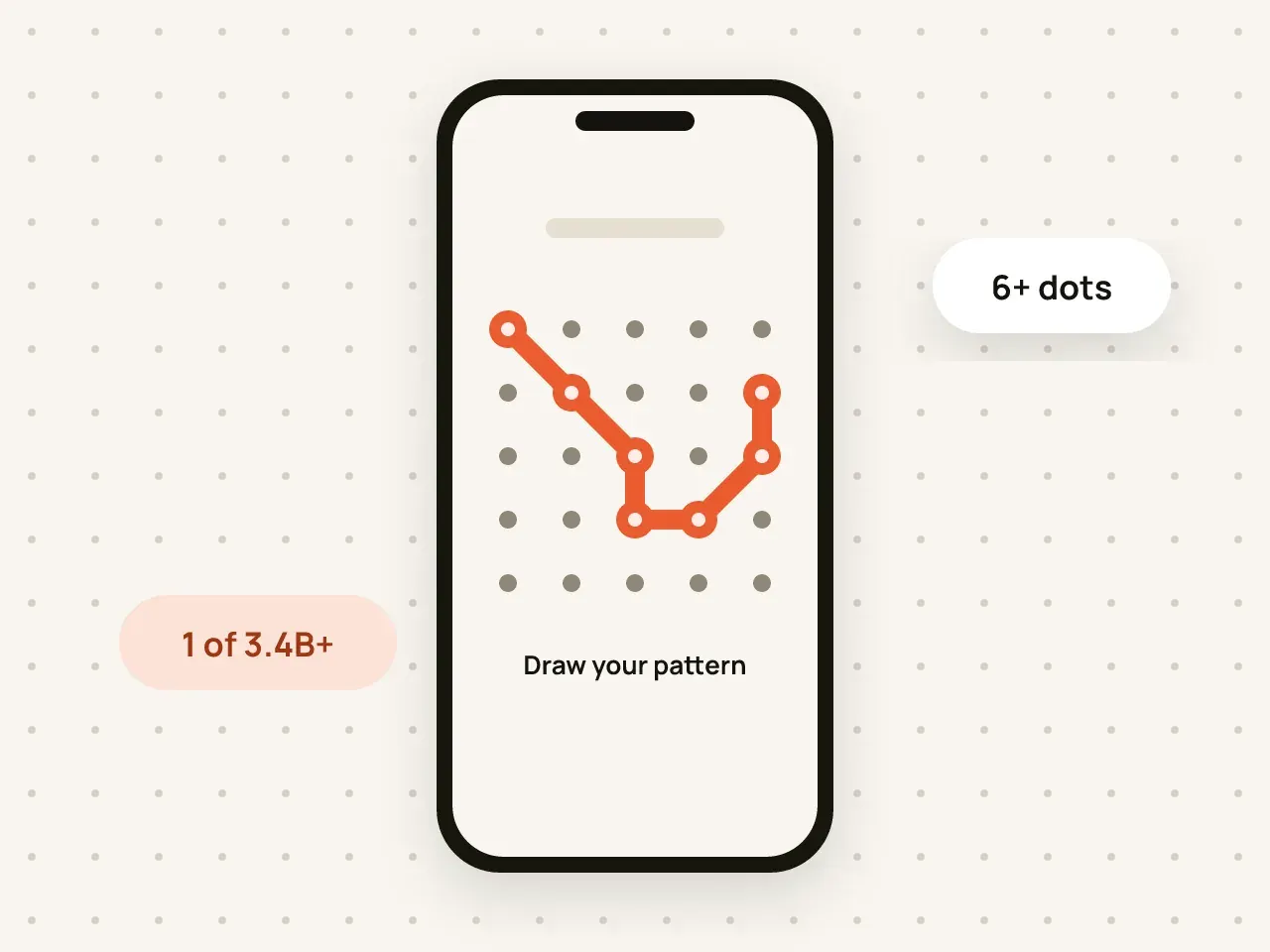
Draw a pattern on a 5×5 grid to open your vault. Your pattern is used to create the key that decrypts your files.
A private vault for photos, videos and files on iPhone and iPad. Core features are free. Pro adds extra protection and removes the limits.
Hidegrid encrypts your photos, videos and files on your device and unlocks them with a pattern. The free plan covers the core vault. Pro adds a duress pattern, disguise icons and unlimited items. iPhone and iPad sync and shared vaults come to Pro in a free update.
Draw a pattern on a 5×5 grid to open your vault. Your pattern is used to create the key that decrypts your files.
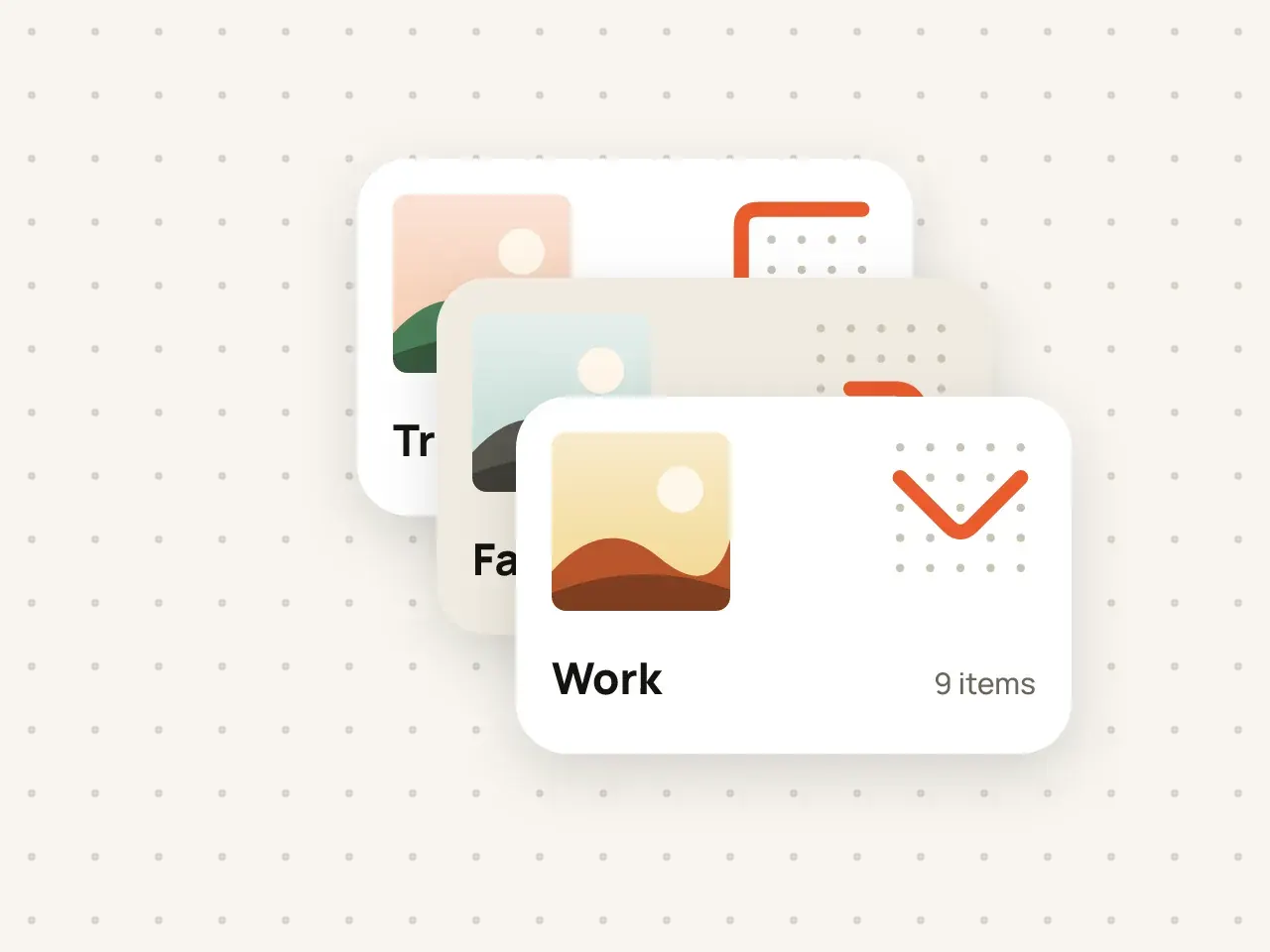
Keep work documents, family photos and personal files apart. Every vault has its own pattern and its own encryption key.
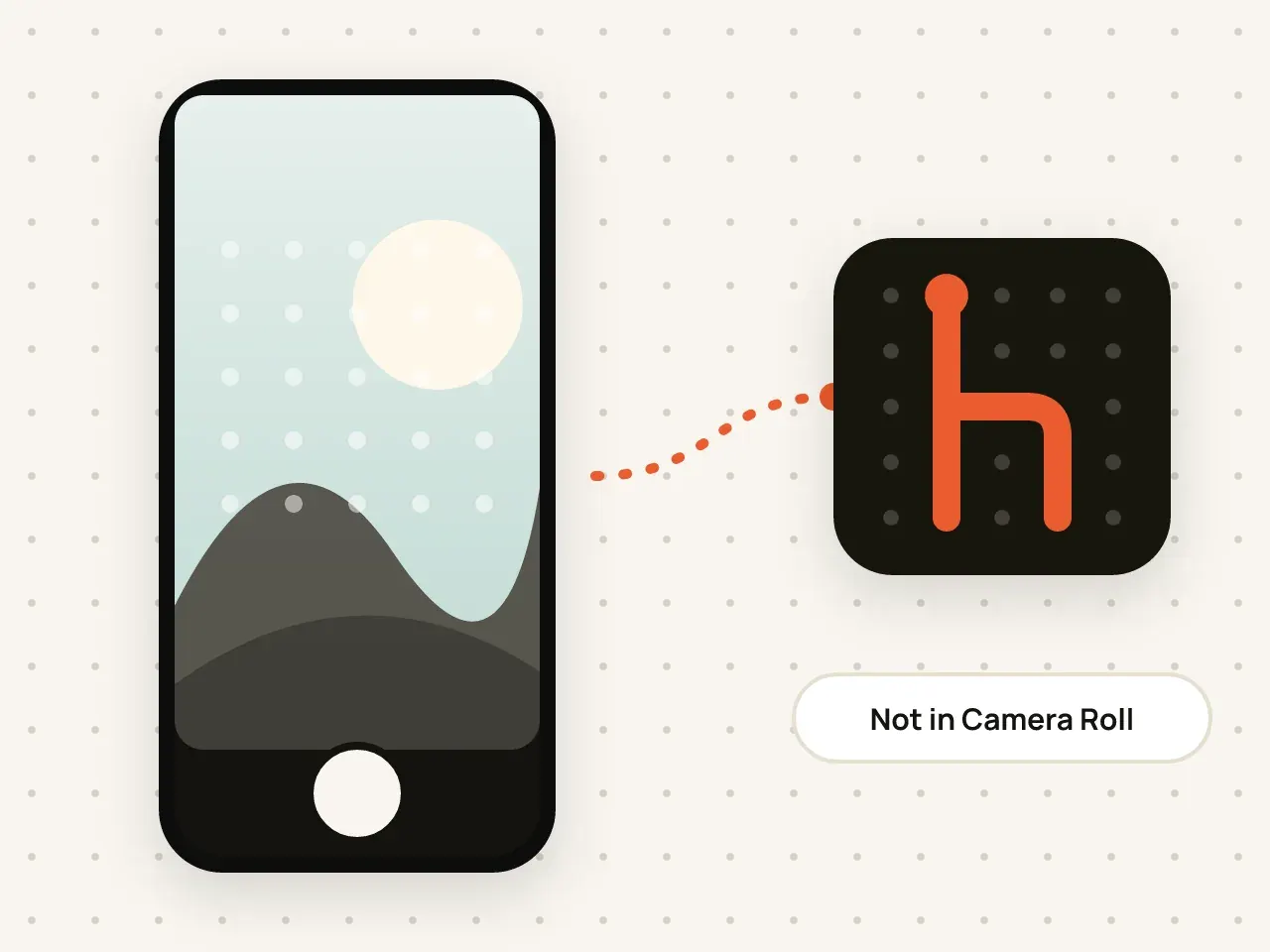
Take photos and videos inside Hidegrid. They are encrypted straight into your vault and never appear in the Photos app.
Bring photos, videos, PDFs and other files into Hidegrid. They are encrypted on your device as they are imported.

Create folders inside folders and search by name. Names and details are encrypted just like the files.
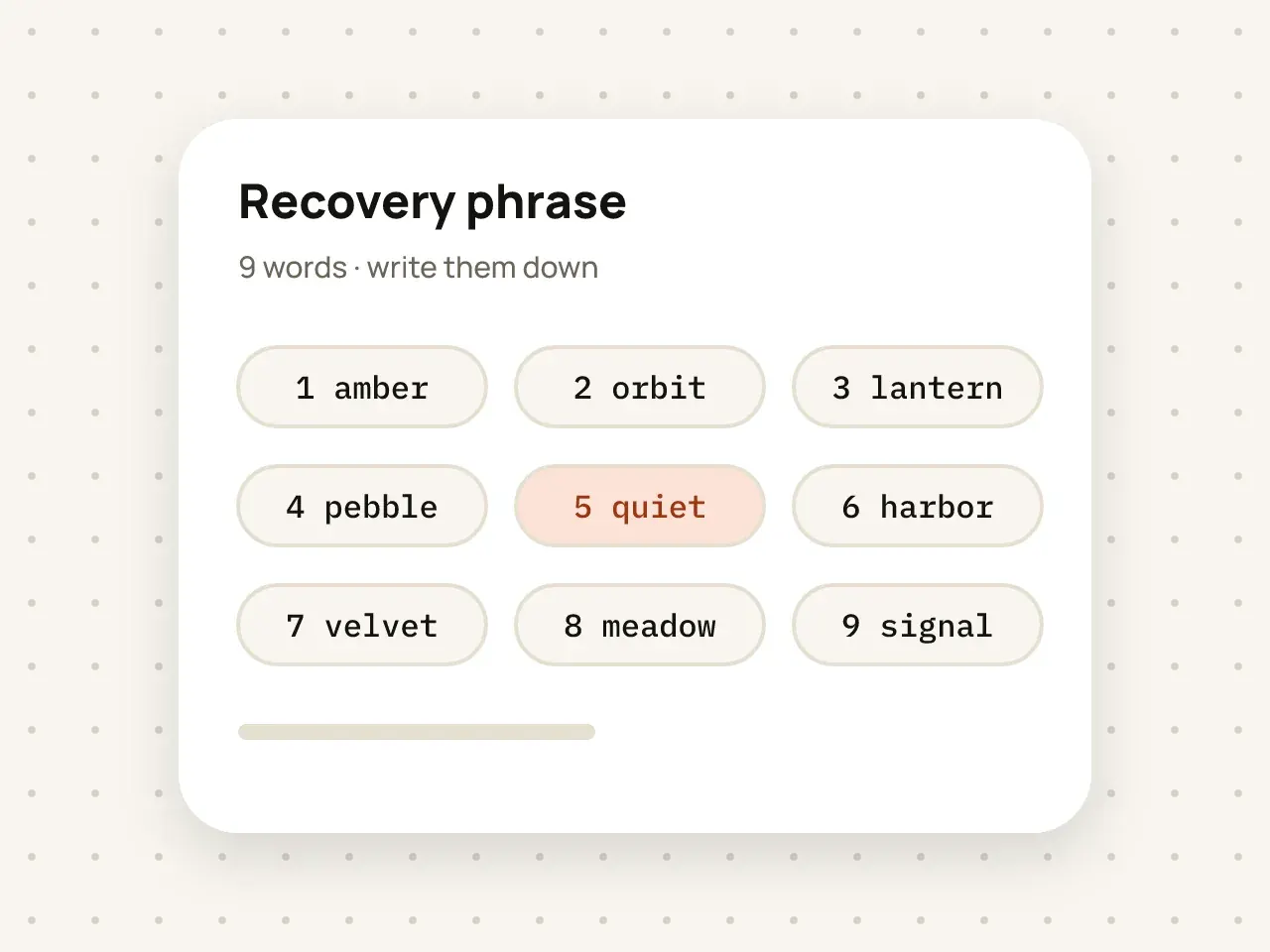
If you forget your pattern, nine words get you back into your vault. Write them down and keep them somewhere safe.
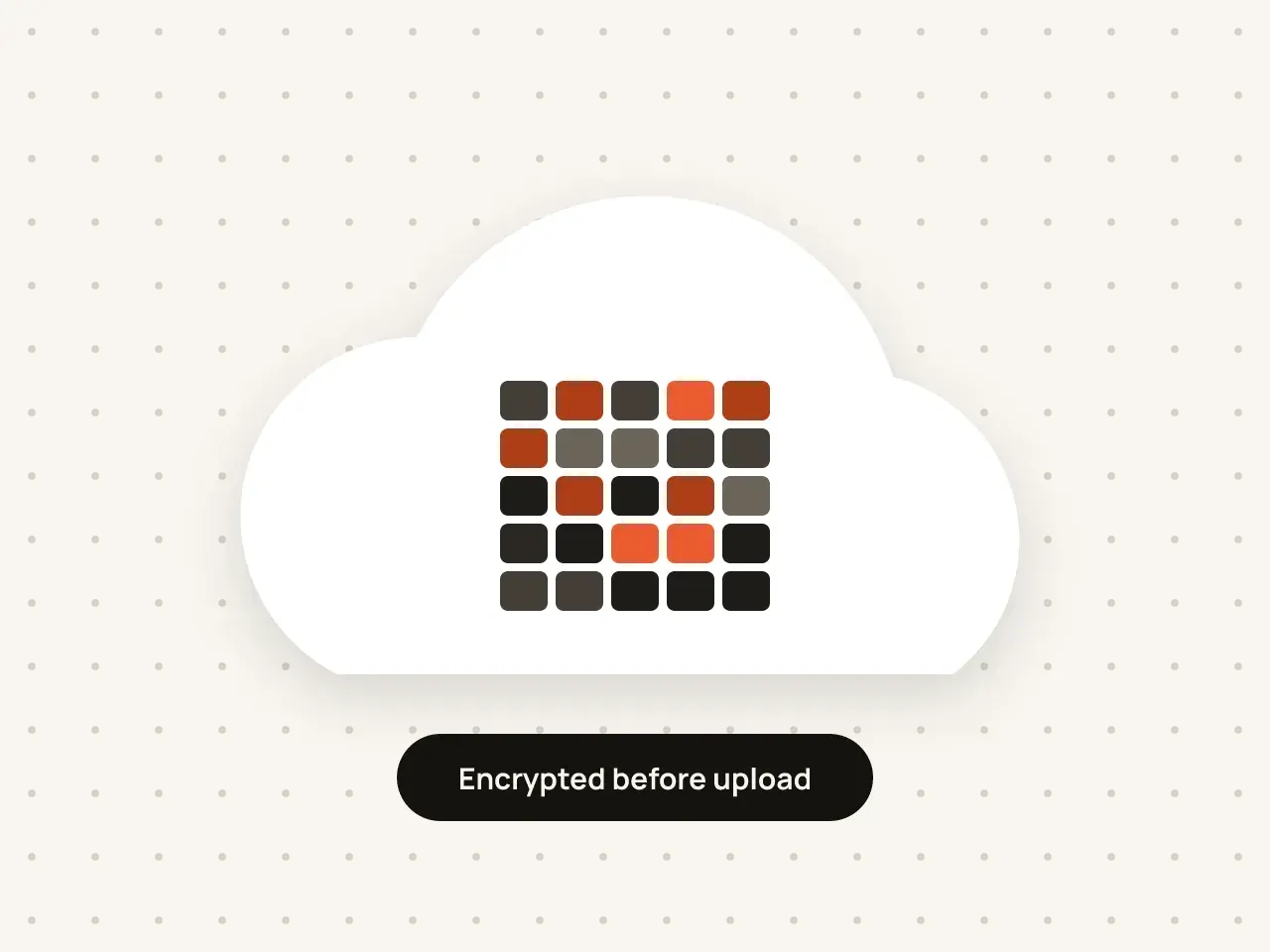
Keep a backup of your vaults in your own iCloud. Everything is encrypted on your device before it is uploaded.
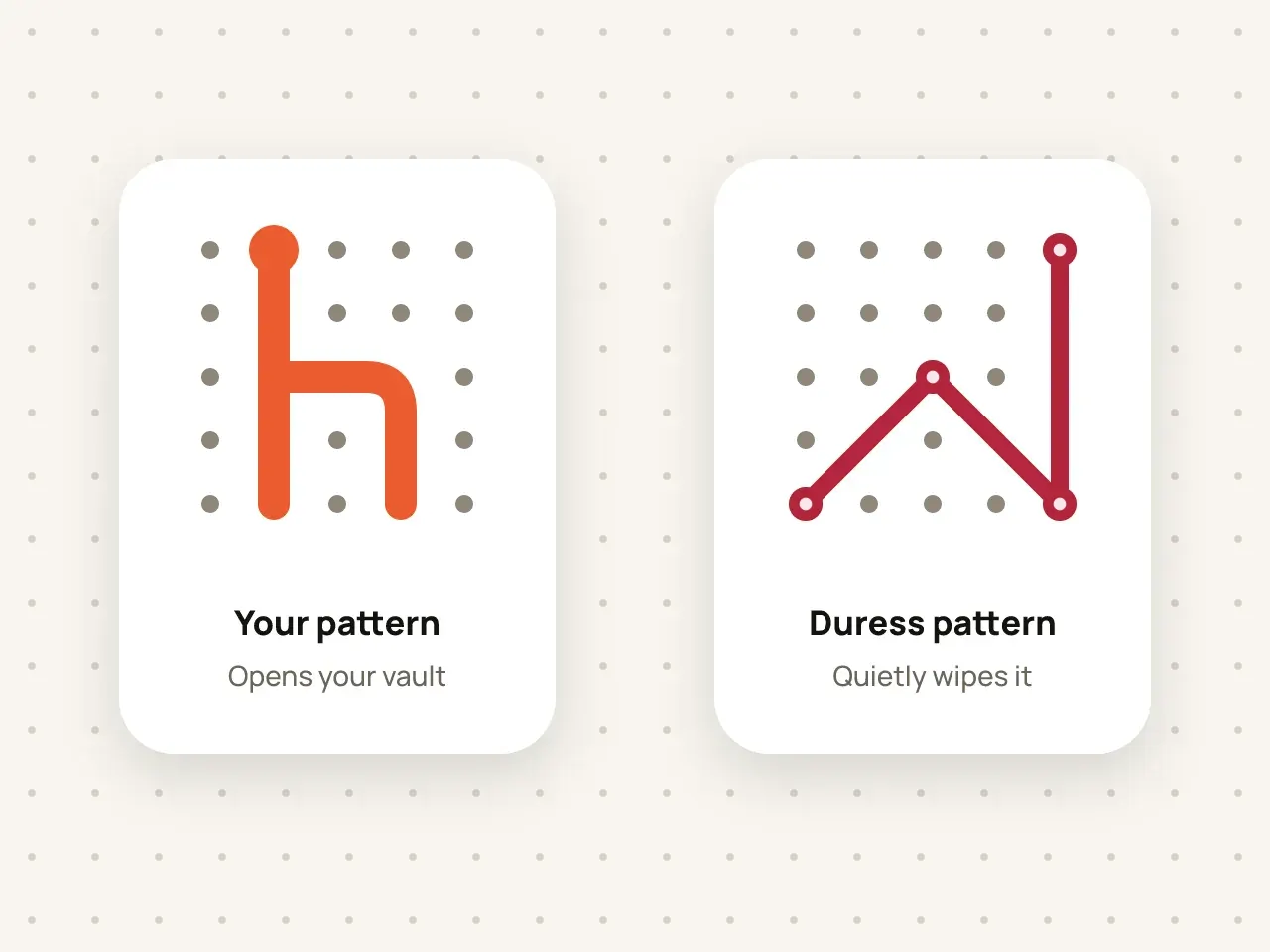
Set a second pattern for emergencies. If someone forces you to open Hidegrid, drawing it quietly erases the vault.
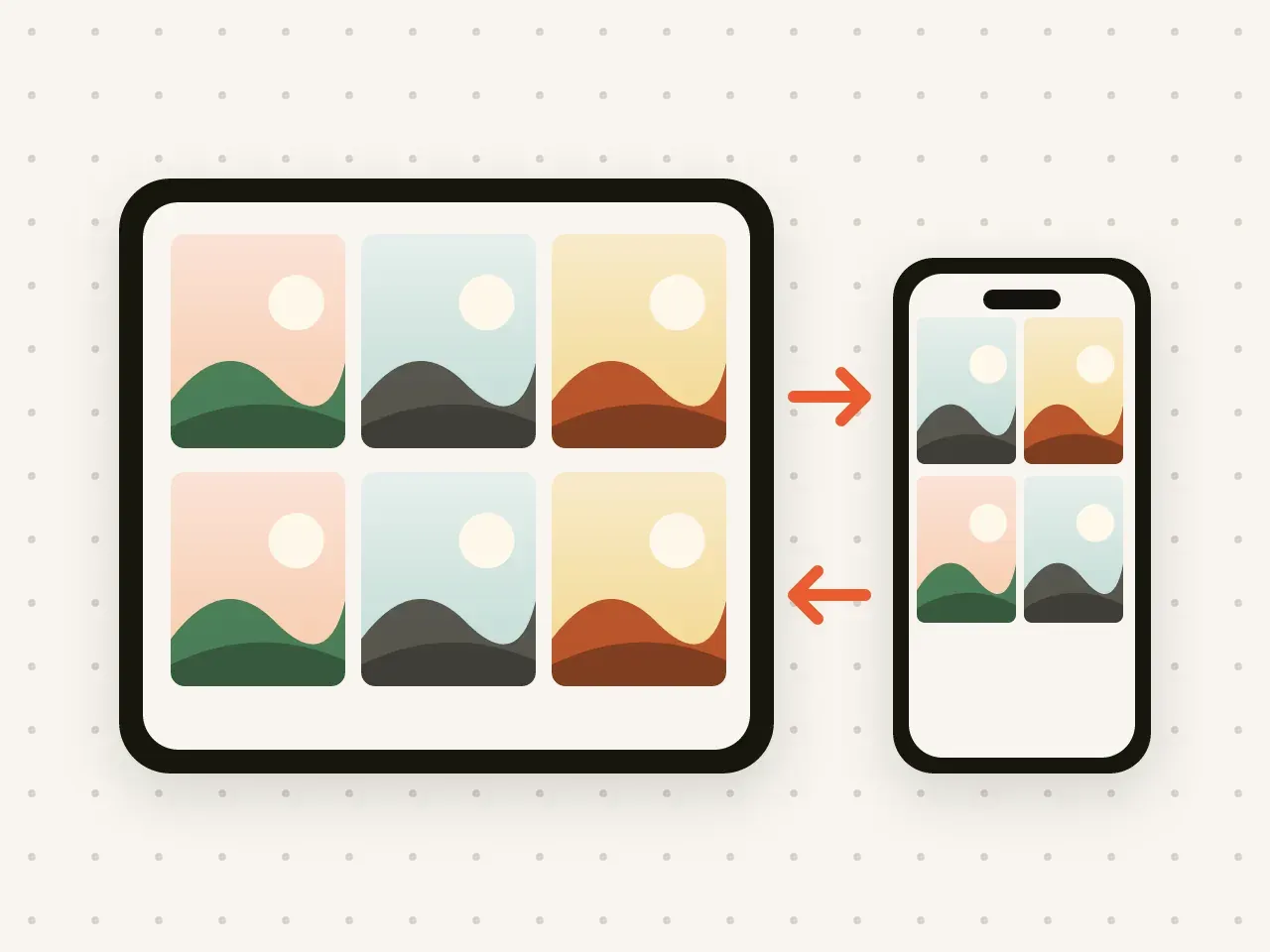
Add a photo on your iPhone and see it on your iPad. Your vaults stay the same on both, and stay encrypted.
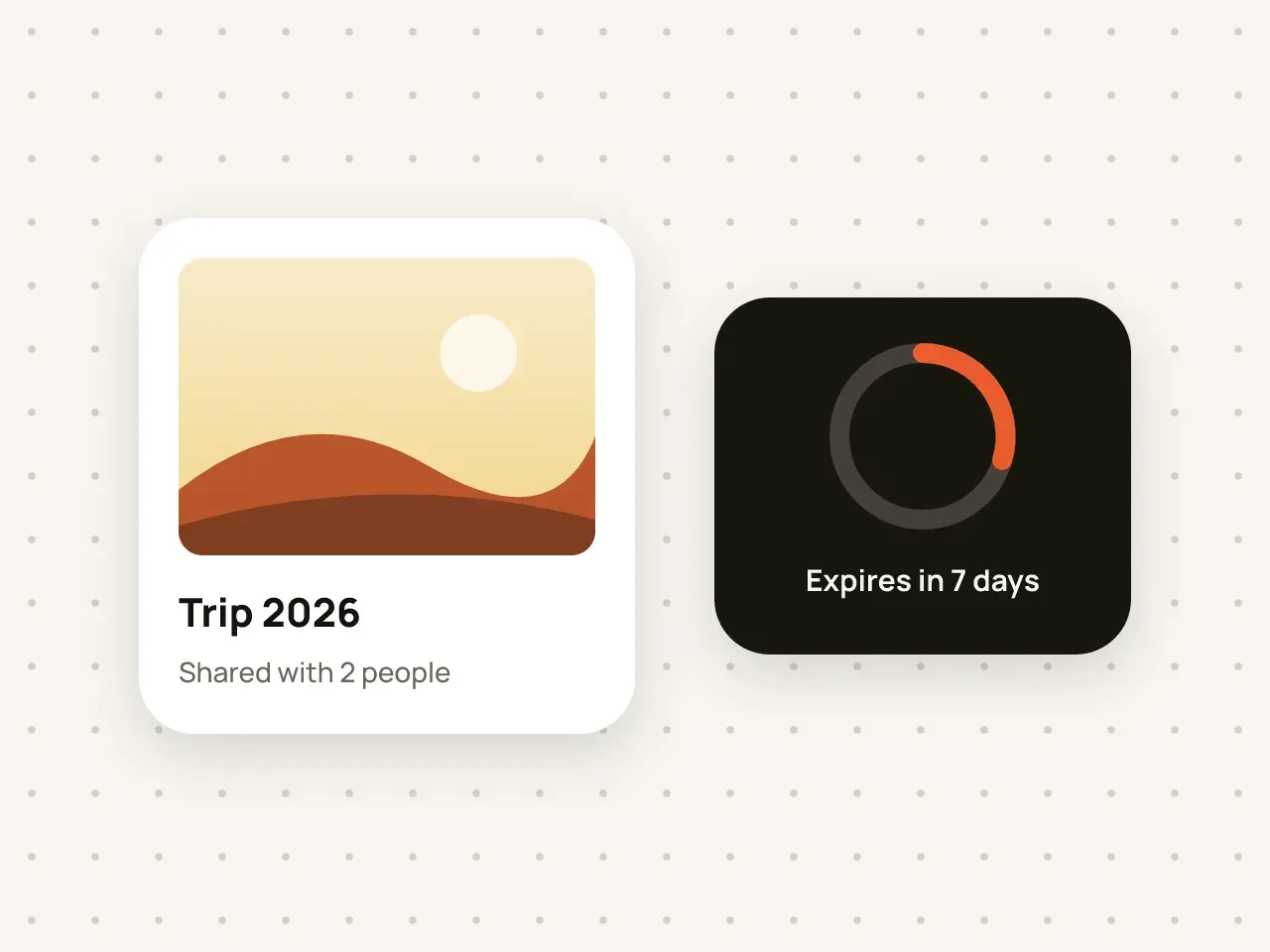
Share a vault with someone you trust and choose when their access ends.
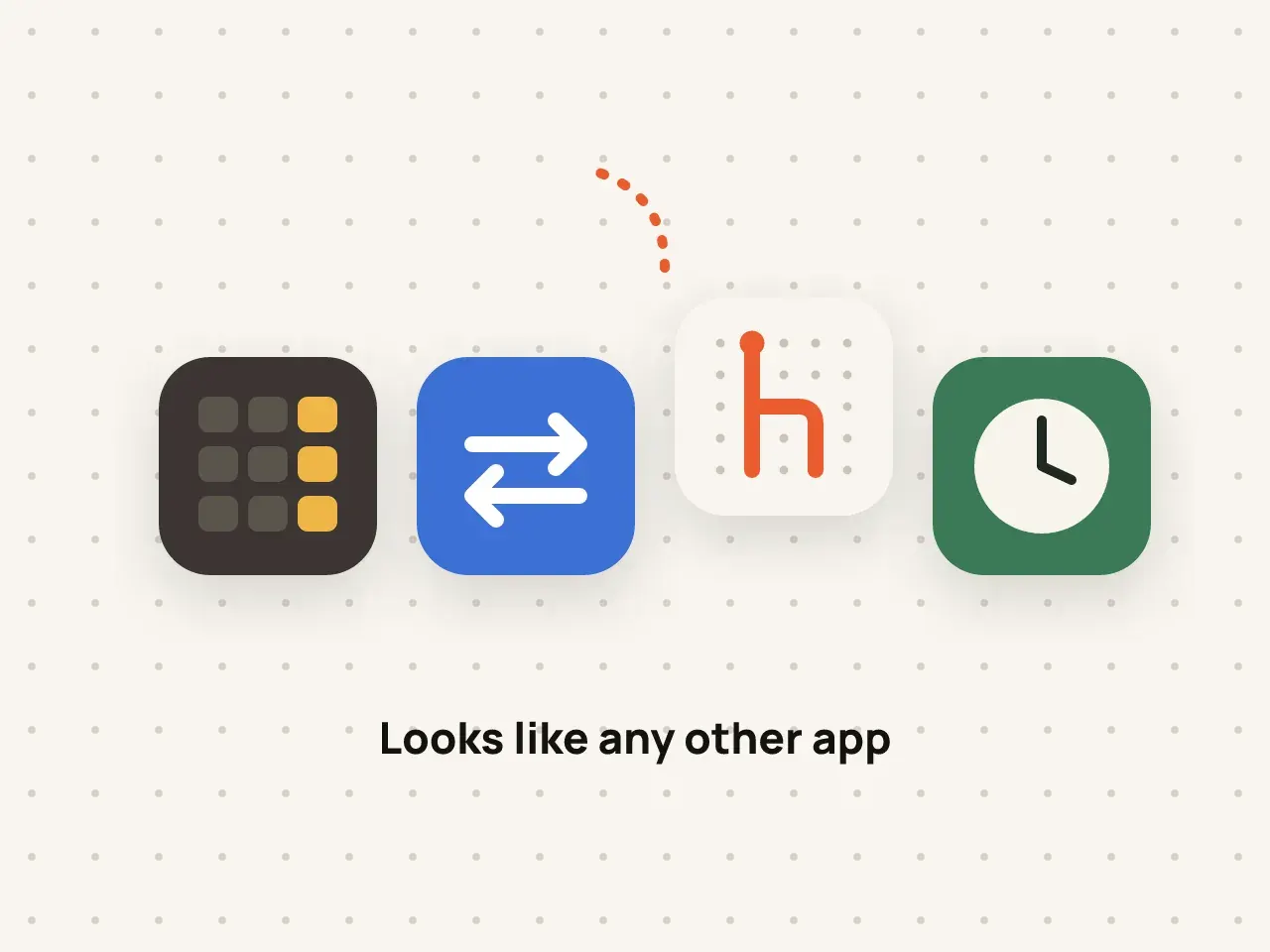
Change the Hidegrid icon on your Home Screen to a neutral design, so the vault does not stand out.
Pro removes the free plan limits. Keep as many vaults, photos, videos and files as your storage allows.
Download Hidegrid and set up your first vault in under a minute.
Coming soon to the App StoreFree to start. No account needed.