Free
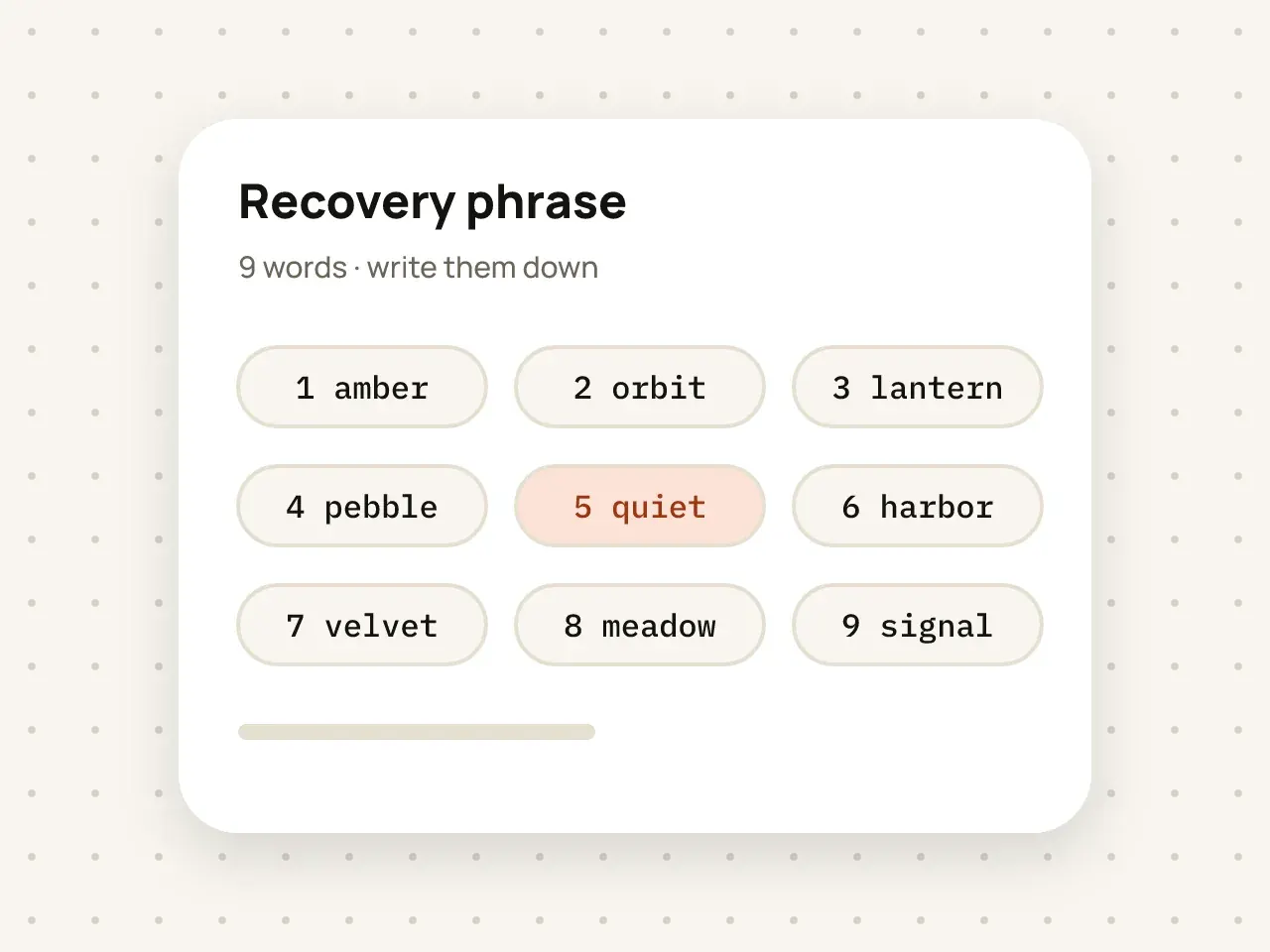
Recovery phrase
If you forget your pattern, nine words get you back into your vault. Write them down and keep them somewhere safe.
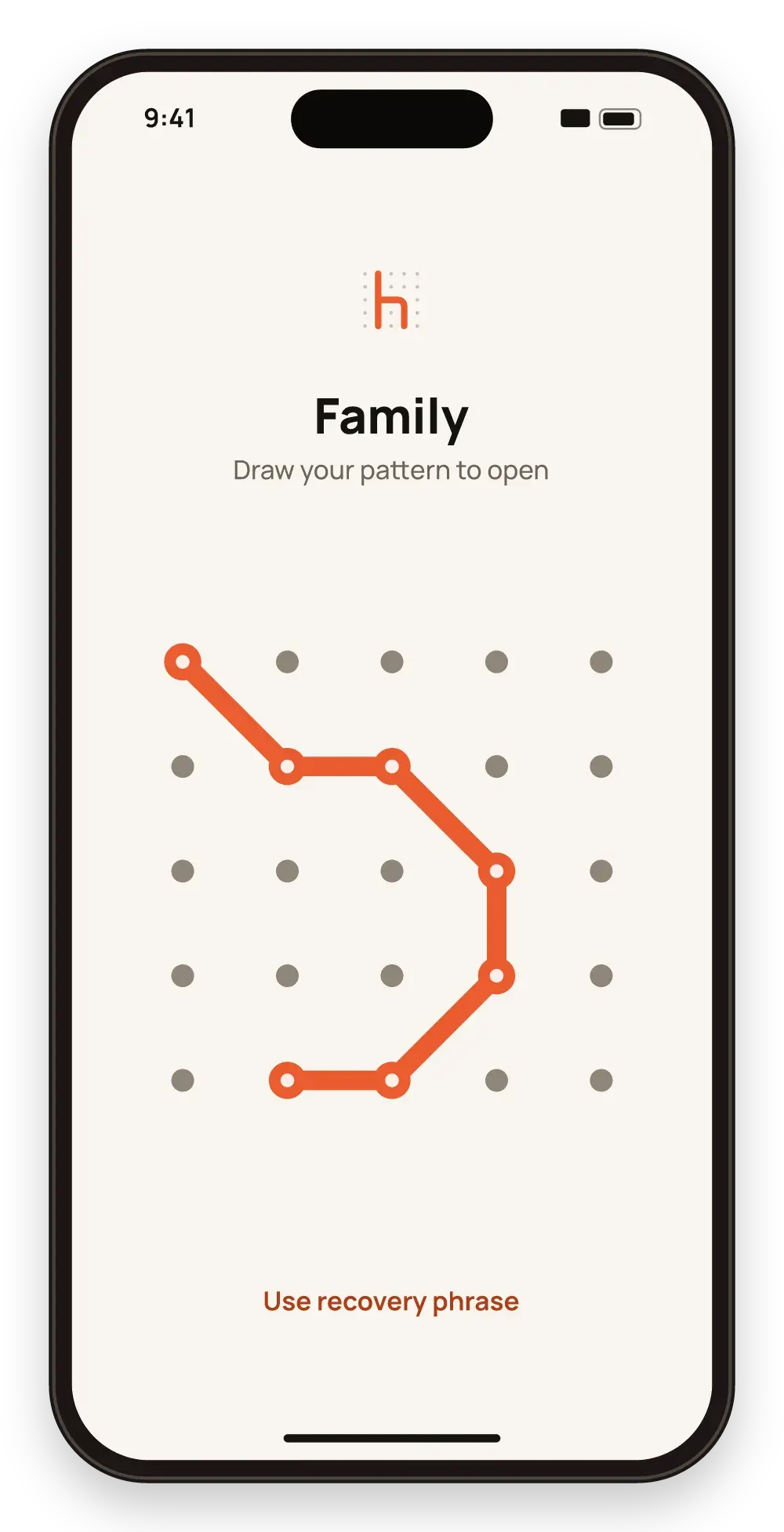
Draw a pattern on a 5×5 grid to open your vault. Your pattern is used to create the key that decrypts your files.
Free to start. No account needed.
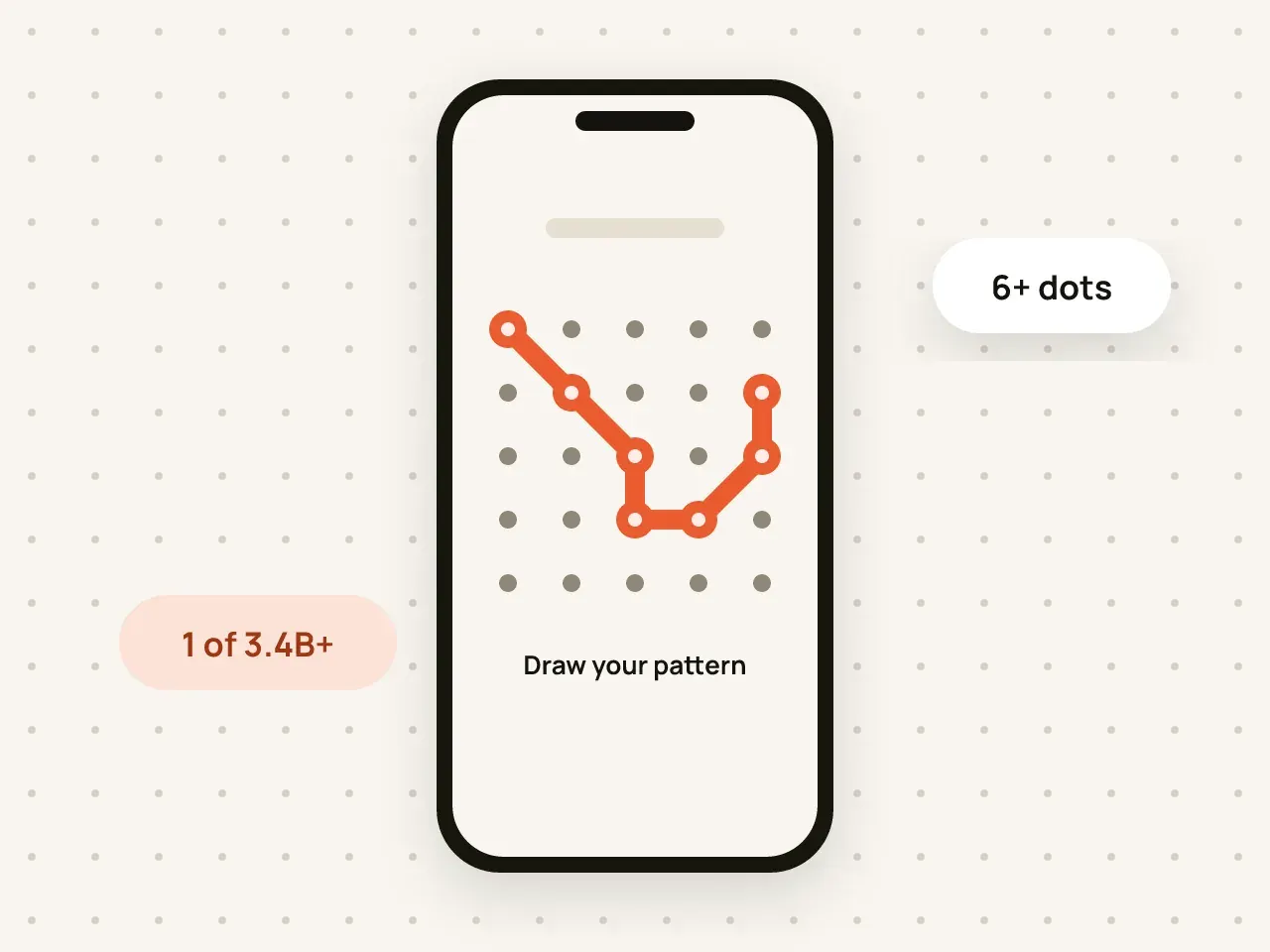
Hidegrid locks each vault with a pattern drawn on a 5×5 grid of 25 dots. A pattern must use at least 6 dots and change direction at least once. The pattern is converted into a 256-bit key with PBKDF2 (600,000 iterations), and that key decrypts the vault. The pattern itself is never saved.
Tap New vault and give it a name. The name is encrypted too.
Connect at least 6 dots on the 5×5 grid and change direction at least once.
Draw it again to confirm, then write down the nine-word recovery phrase.
A 5×5 grid has 25 dots instead of 9, so there are far more possible patterns than on a classic Android-style lock.
Each guess has to go through 600,000 rounds of PBKDF2, which makes trying patterns one by one slow.
Drawing a pattern is fast and easy to remember, even with one hand.
Anyone who watches you draw your pattern may be able to repeat it. Draw it out of sight, and pick a pattern that is not a simple shape or letter.
No. A vault opens only with its pattern, so nobody can open it just by holding your phone up to your face.
Yes. Open the vault, go to its settings and choose Change pattern. You will draw the old pattern and then the new one.
At least 6 dots is required. Longer patterns with several changes of direction are harder to guess.
If you forget your pattern, nine words get you back into your vault. Write them down and keep them somewhere safe.
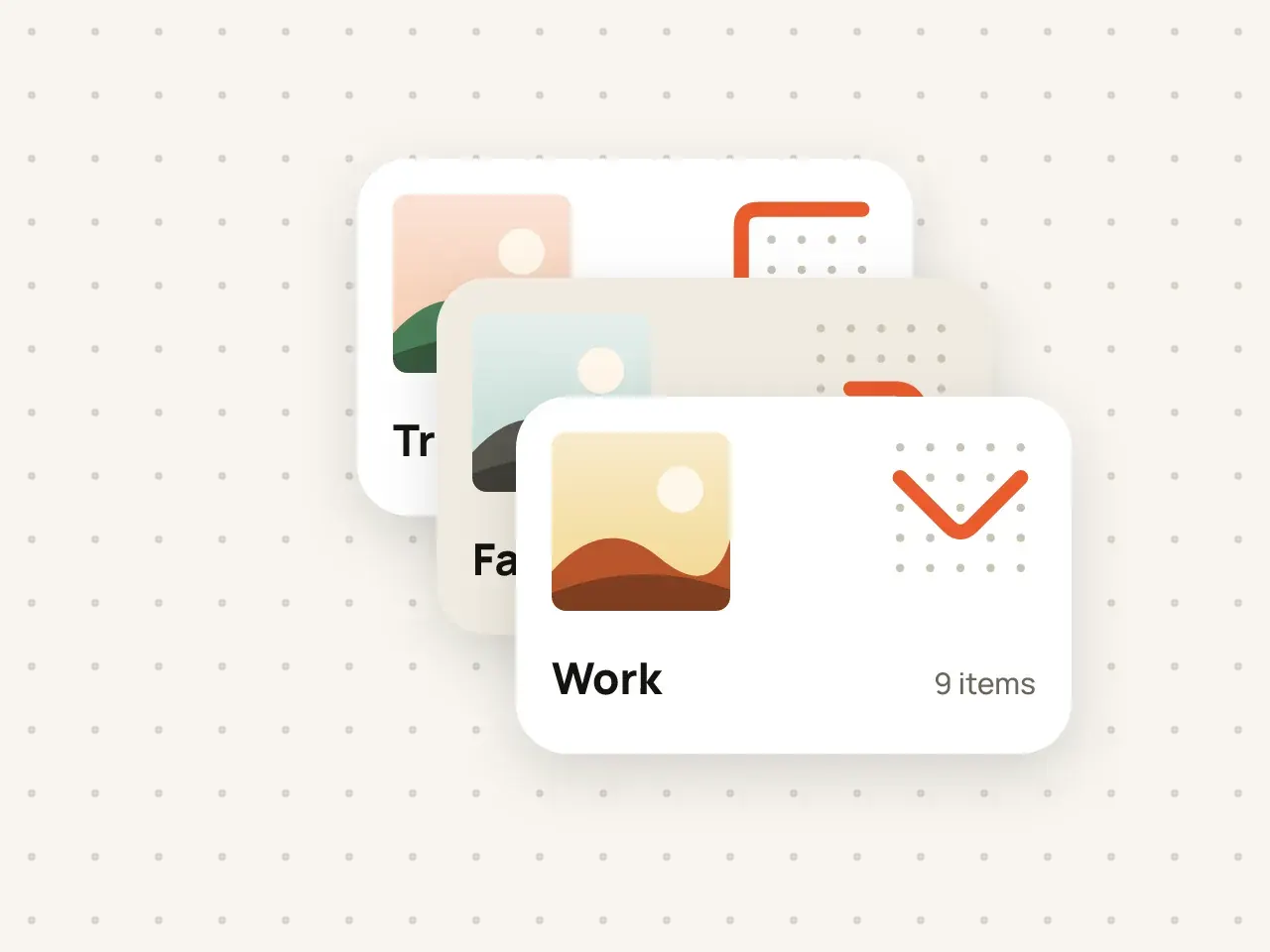
Keep work documents, family photos and personal files apart. Every vault has its own pattern and its own encryption key.
Download Hidegrid and set up your first vault in under a minute.
Coming soon to the App StoreFree to start. No account needed.