Free
Pattern unlock
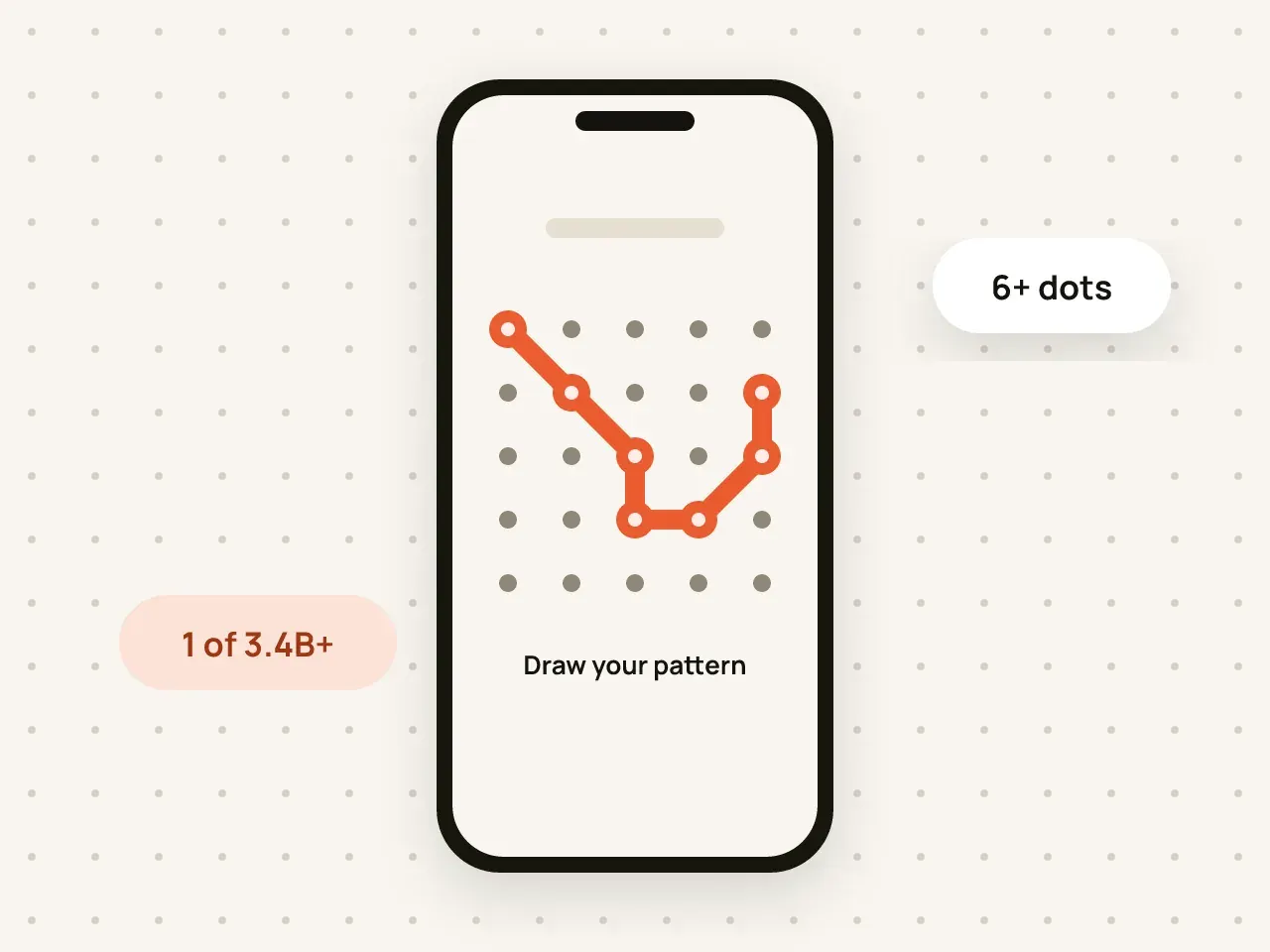
Draw a pattern on a 5×5 grid to open your vault. Your pattern is used to create the key that decrypts your files.
Keep work documents, family photos and personal files apart. Every vault has its own pattern and its own encryption key.
Free to start. No account needed.
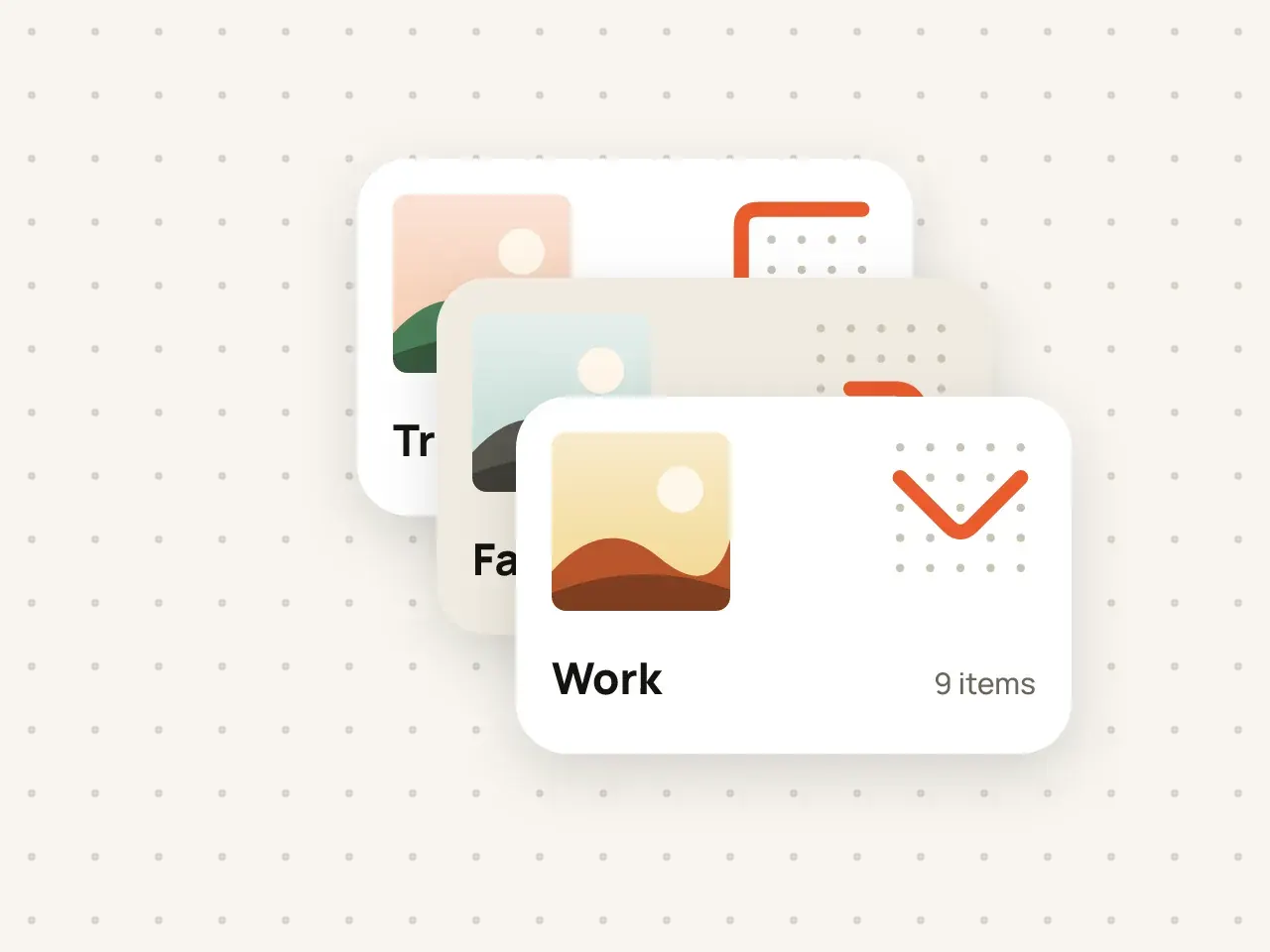
In Hidegrid you can create several independent vaults. Each vault has its own pattern and its own encryption key, so opening one vault never reveals another. The free plan includes 3 vaults; Pro allows unlimited vaults.
From the vault screen, choose New vault.
Use a pattern you do not use for any other vault.
Each new vault comes with its own nine-word phrase. Keep it somewhere safe.
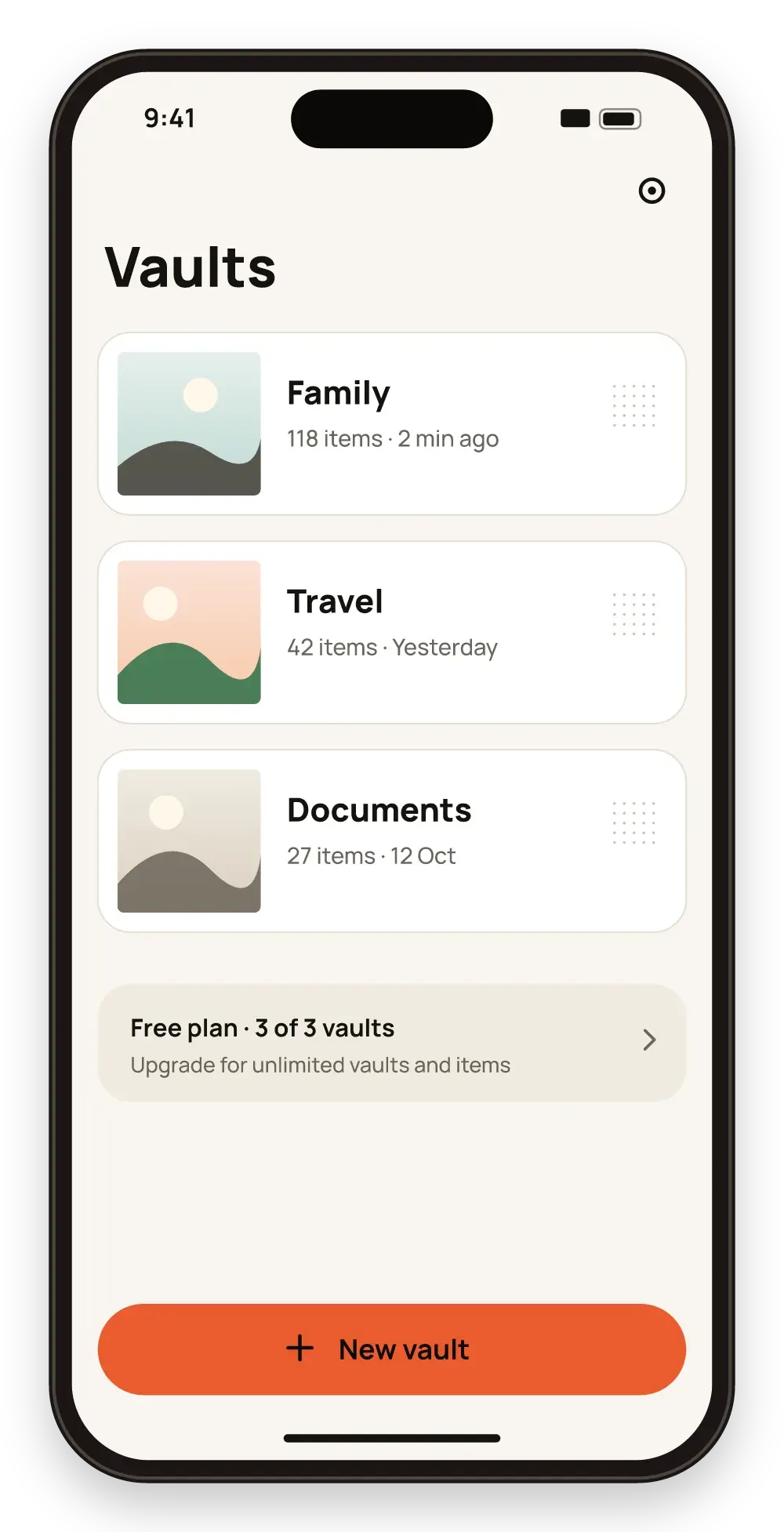
Vaults do not share a key. Knowing one pattern tells nothing about the others.
If you need to open a vault in front of someone, open the one meant for that moment.
Use vaults for big groups and folders inside them for the details.
The free plan includes up to 3 vaults. Pro removes the limit.
No. Each pattern opens exactly one vault, so every vault needs a different pattern.
Vault names and contents are encrypted. The app shows a vault only after you draw its pattern.
Yes. Open both vaults with their patterns, then move items from one to the other.
Draw a pattern on a 5×5 grid to open your vault. Your pattern is used to create the key that decrypts your files.
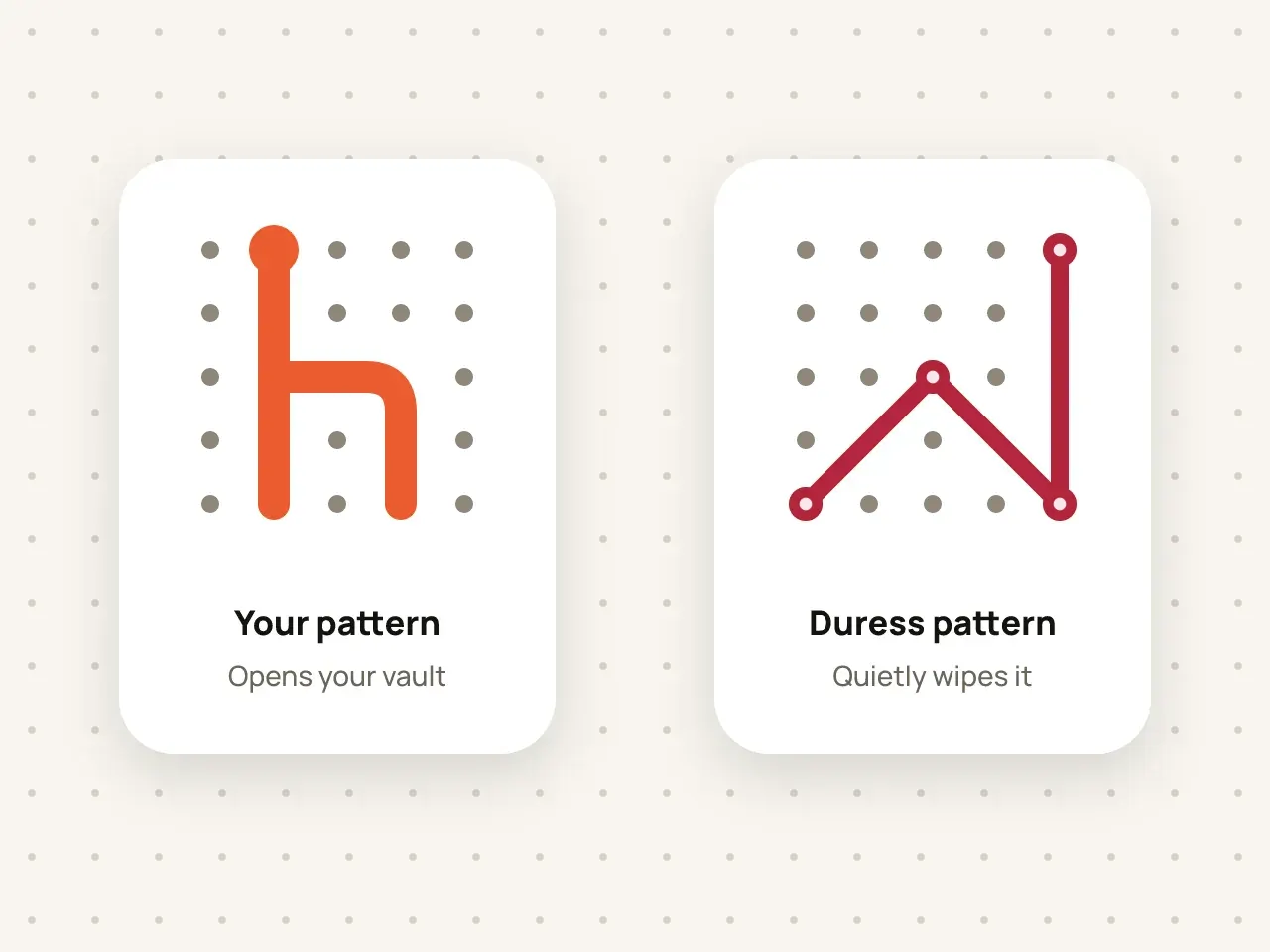
Set a second pattern for emergencies. If someone forces you to open Hidegrid, drawing it quietly erases the vault.

Create folders inside folders and search by name. Names and details are encrypted just like the files.
Download Hidegrid and set up your first vault in under a minute.
Coming soon to the App StoreFree to start. No account needed.