Free
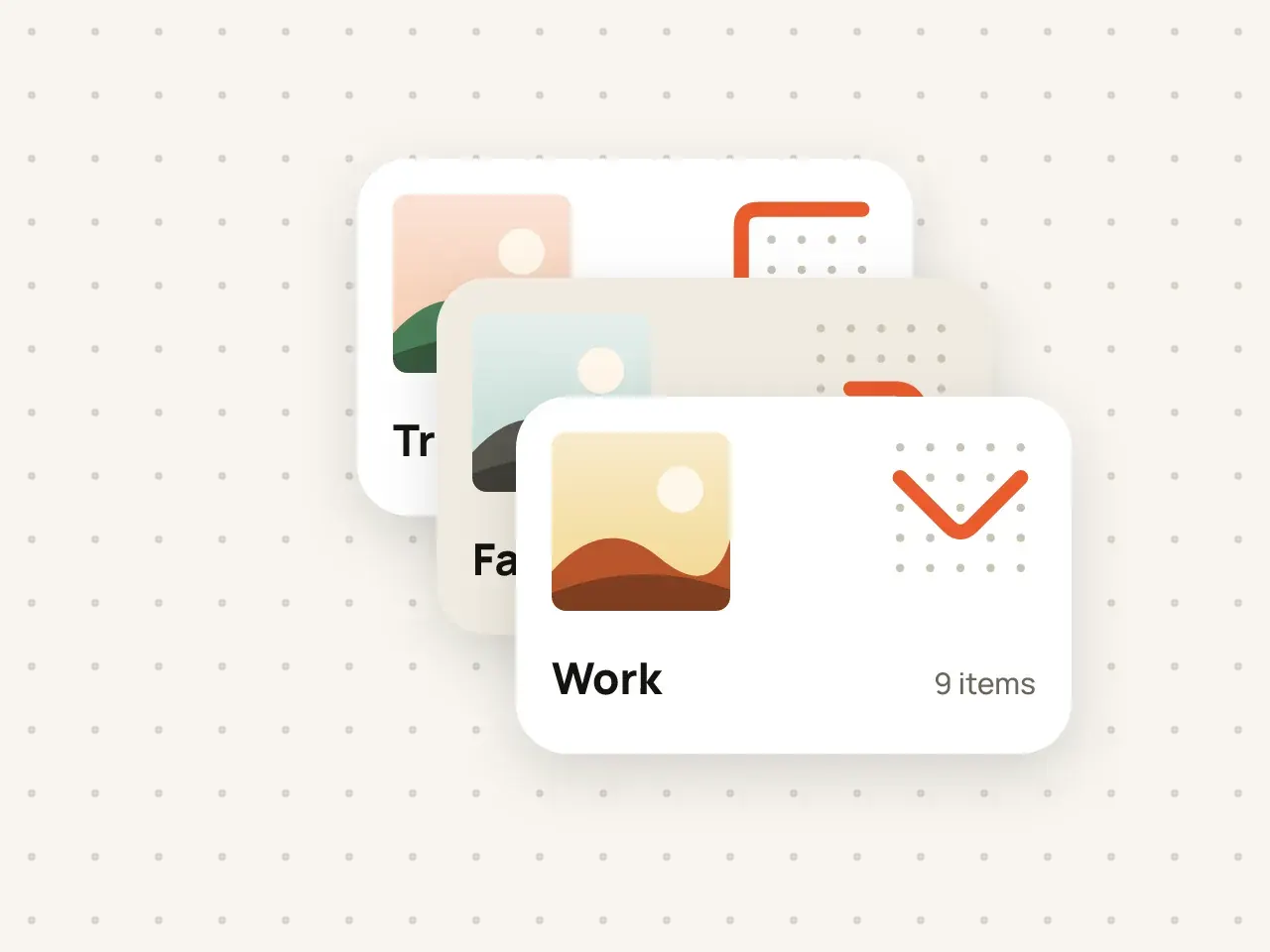
Multiple vaults
Keep work documents, family photos and personal files apart. Every vault has its own pattern and its own encryption key.
Create folders inside folders and search by name. Names and details are encrypted just like the files.
Free to start. No account needed.
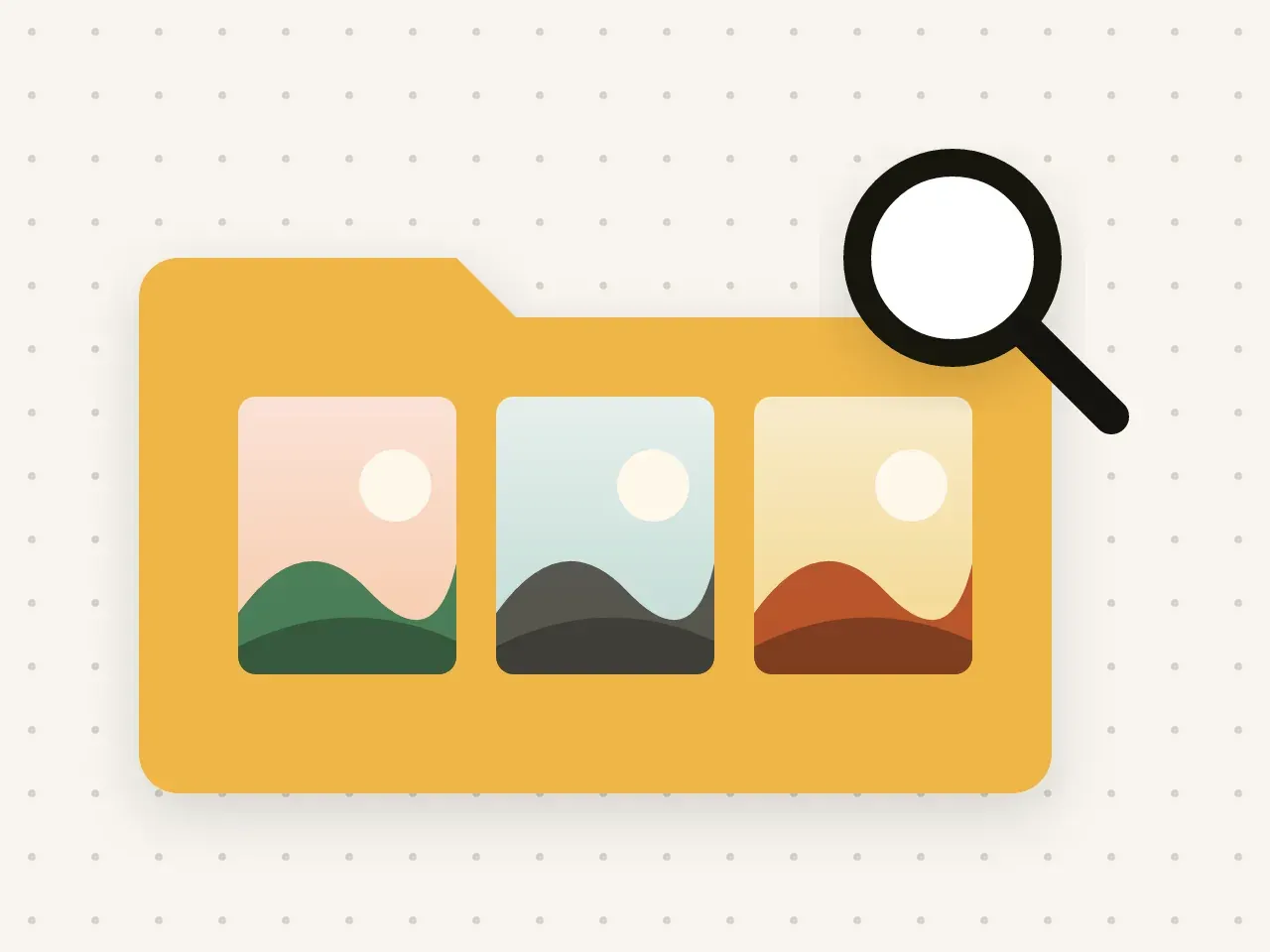
Inside a Hidegrid vault you can create folders, put folders inside other folders, and search for items by name. Folder names, file names and other details are encrypted with the same key as the files. Search runs on your device while the vault is open.
Tap New folder and name it.
Open a folder and create more folders inside it.
Type in the search field to find items by name across the open vault.
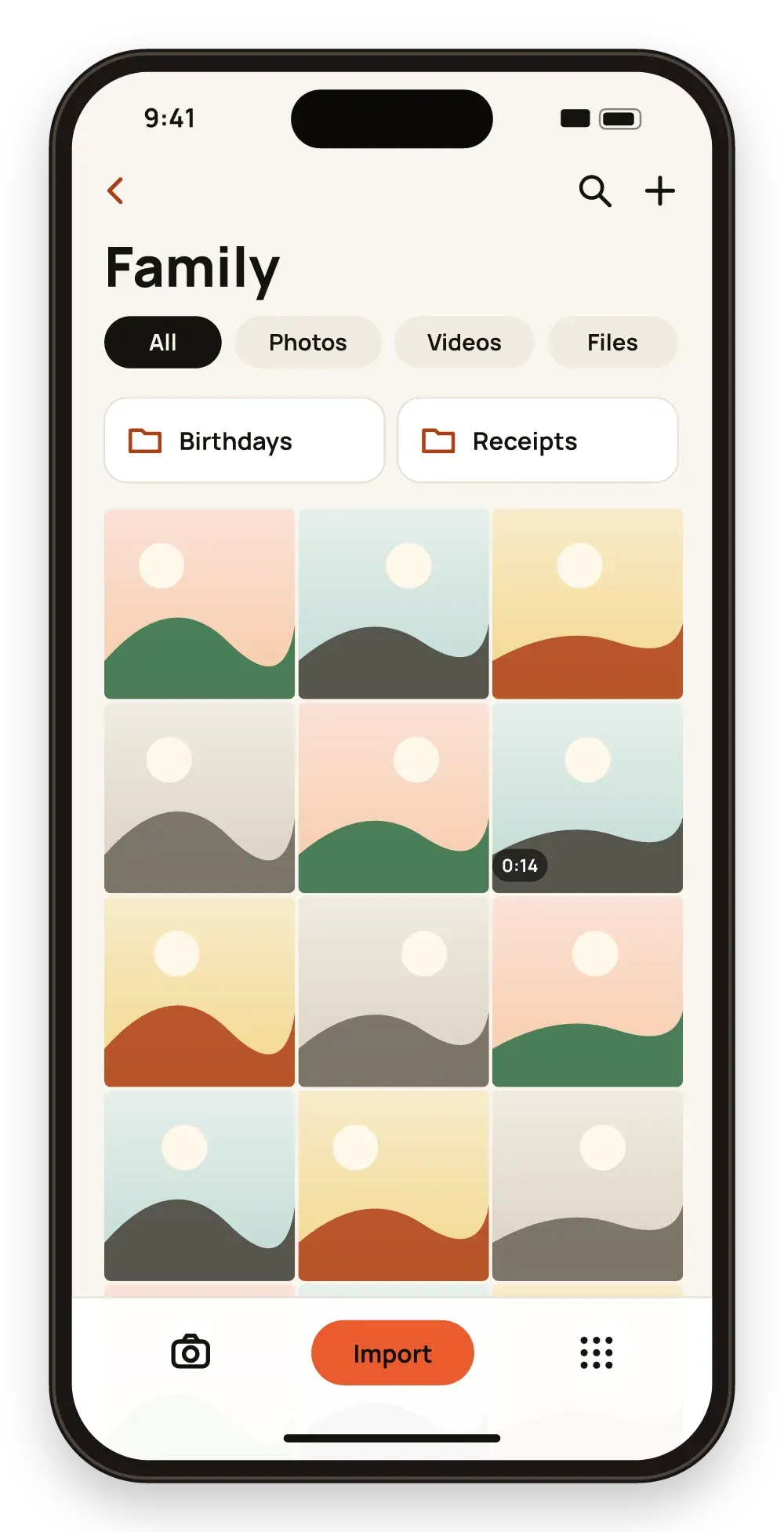
Even the name of a folder like "Passport scans" is encrypted.
No need to scroll through hundreds of photos.
Keep documents and pictures for the same topic together.
Search works only inside the vault you have opened. Other vaults stay locked and are not searched.
No. Each vault is separate, so search looks only in the one you opened.
Yes. Sort by name or date inside any folder.
No. The free plan limits photos and videos, not folders.
Keep work documents, family photos and personal files apart. Every vault has its own pattern and its own encryption key.
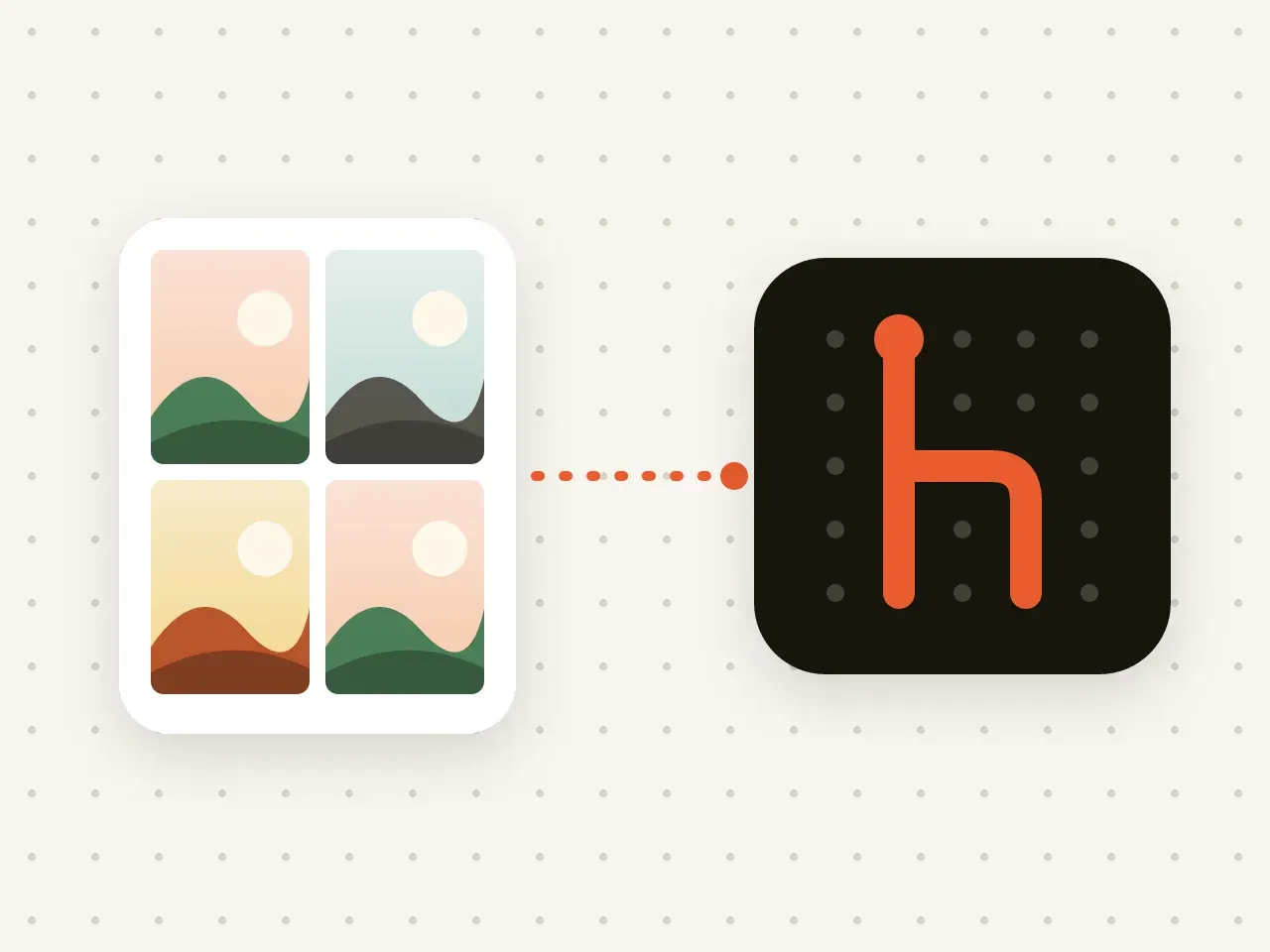
Bring photos, videos, PDFs and other files into Hidegrid. They are encrypted on your device as they are imported.
Download Hidegrid and set up your first vault in under a minute.
Coming soon to the App StoreFree to start. No account needed.