Pro Coming in a free update
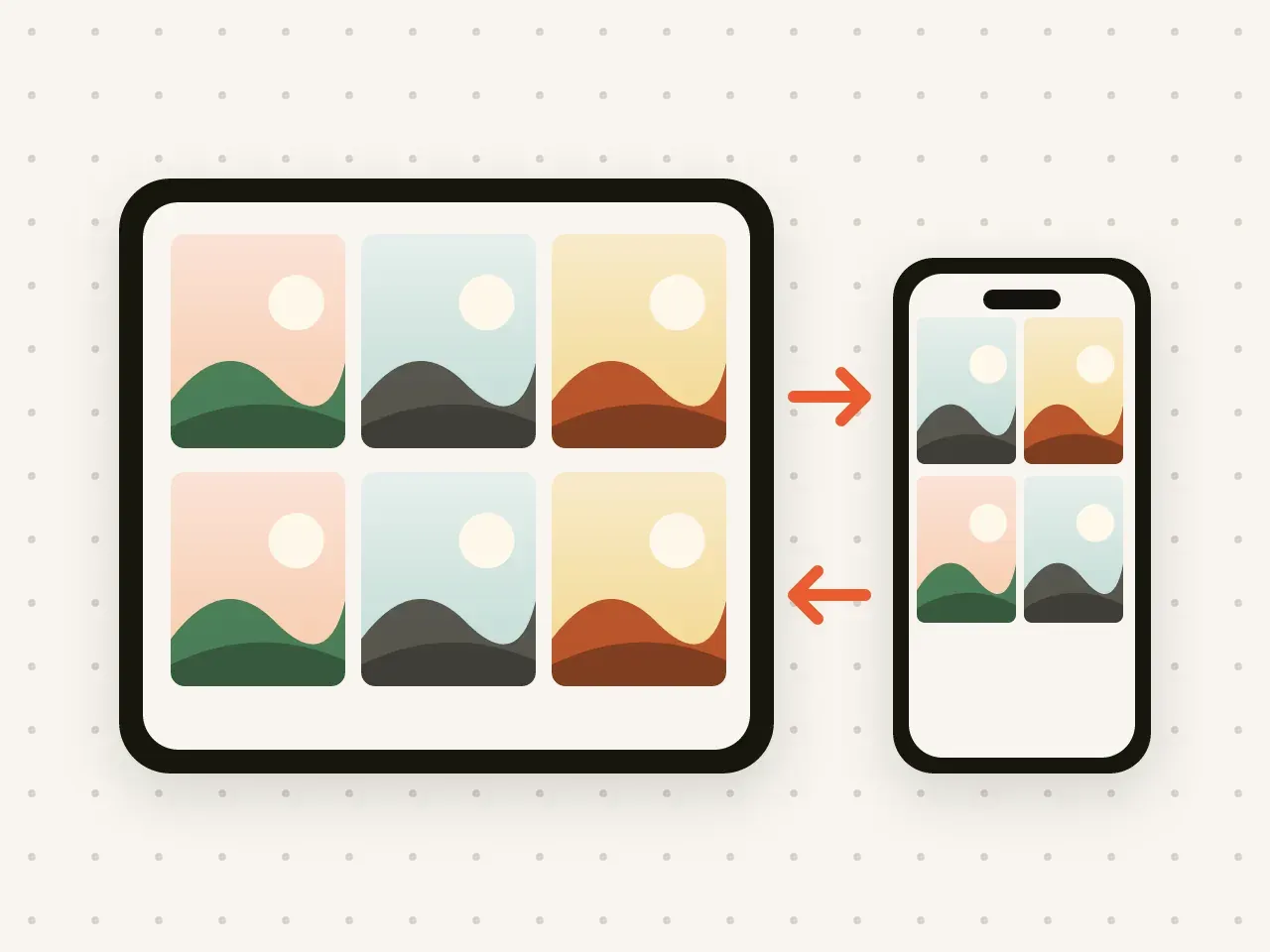
iPhone and iPad sync
Add a photo on your iPhone and see it on your iPad. Your vaults stay the same on both, and stay encrypted.
Share a vault with someone you trust and choose when their access ends.
Free to start. No account needed.
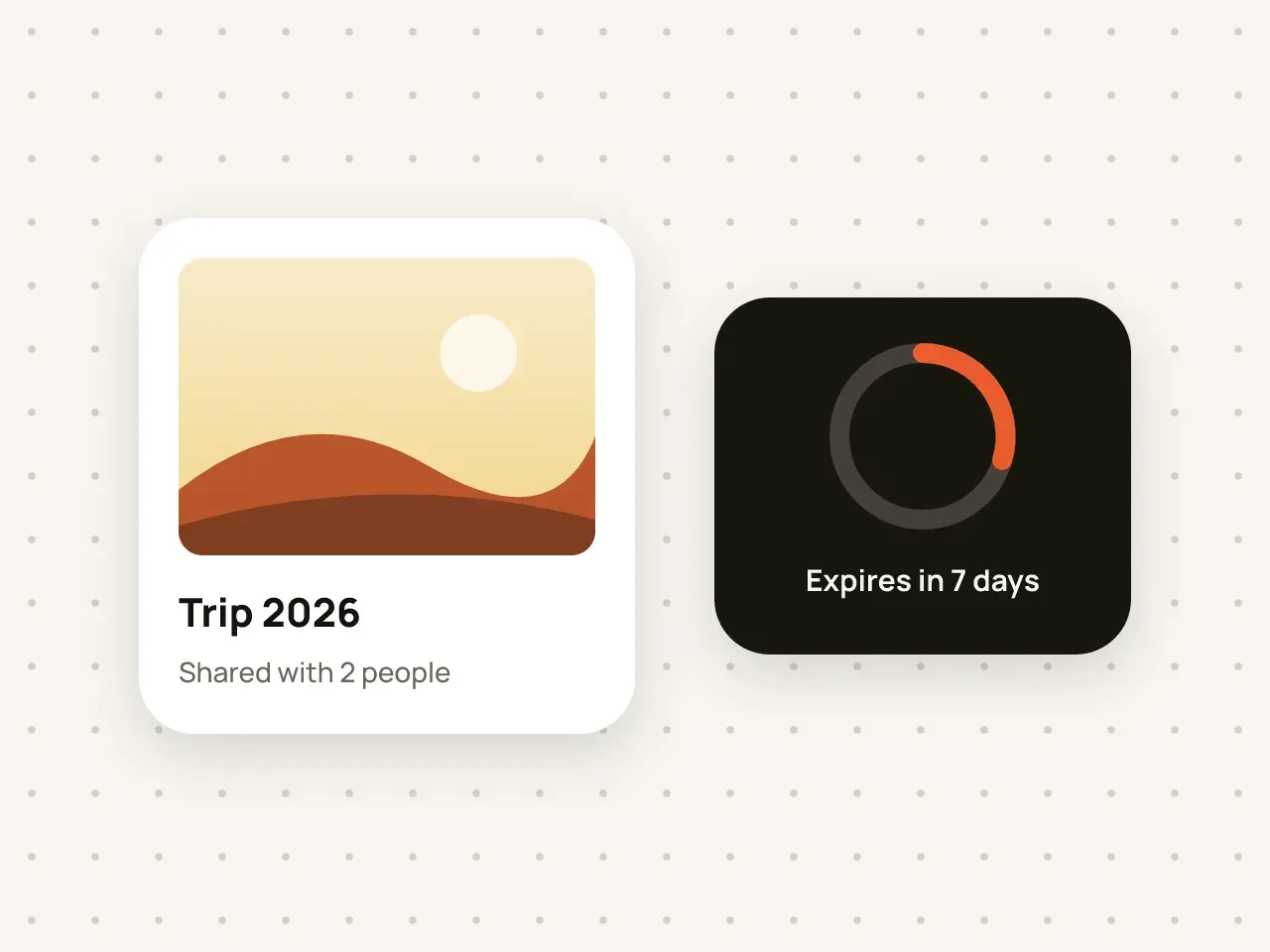
Shared vaults are coming to Hidegrid Pro in version 1.1, a free update. You will be able to share a vault with another Hidegrid user, who can view it but not change it. You choose an expiry date, and access ends automatically when it passes. You can also stop sharing at any time. The shared vault stays encrypted.
Unlock the vault you want to share.
Pick how long the other person should have access.
The other person accepts it in their own Hidegrid app.
Good for a trip, a project or a short-term need.
Stop sharing before the expiry if plans change.
Shared items are as protected as the rest of the vault.
Ending access stops future viewing in Hidegrid. It cannot undo screenshots or copies the other person made while they had access. Share only with people you trust.
Only the person who shares needs Pro. The other person needs the free Hidegrid app.
No. Shared access is view-only. The other person can view items but cannot add, delete or save them.
The shared vault is no longer available to the other person in Hidegrid.
Add a photo on your iPhone and see it on your iPad. Your vaults stay the same on both, and stay encrypted.
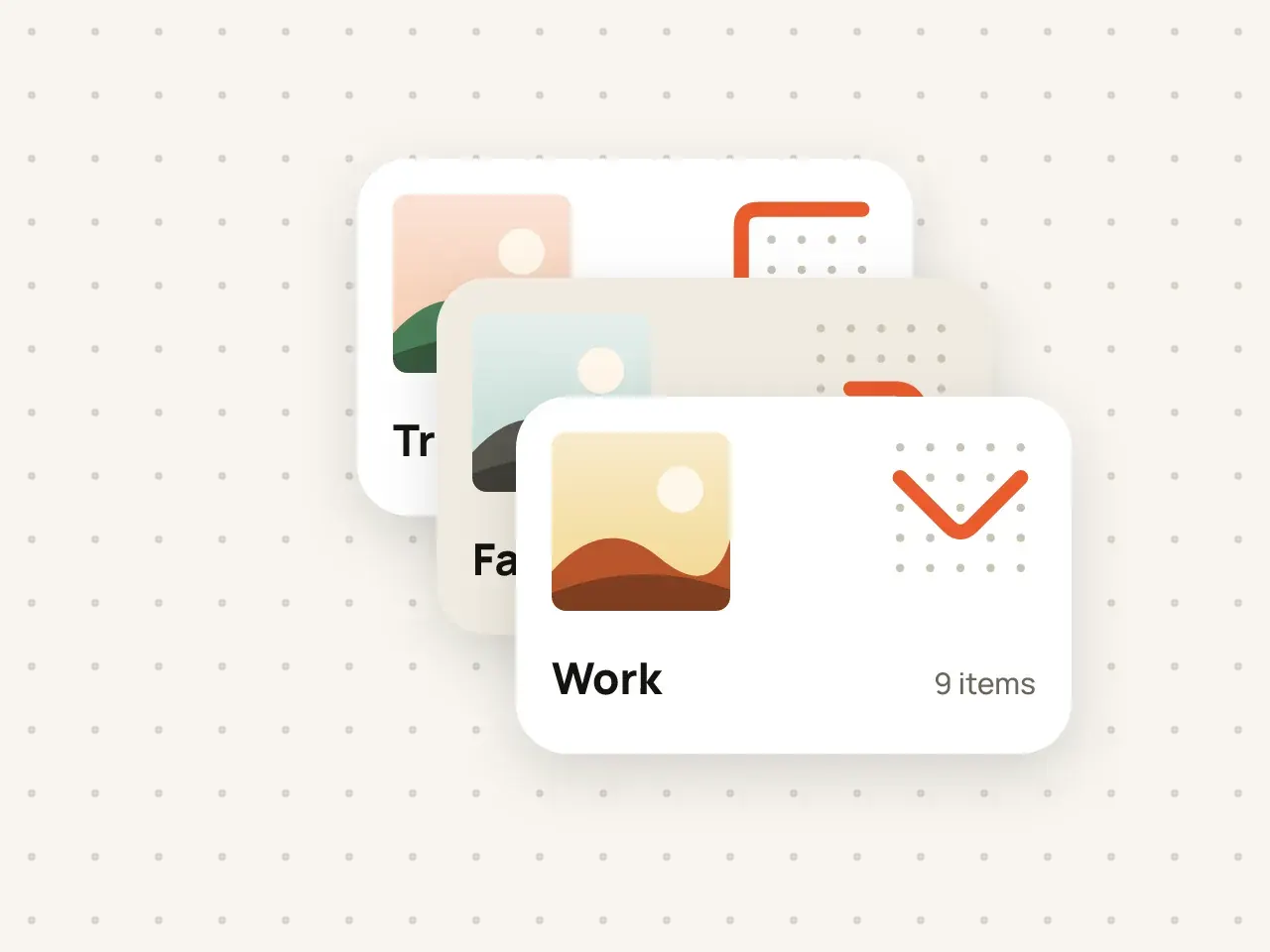
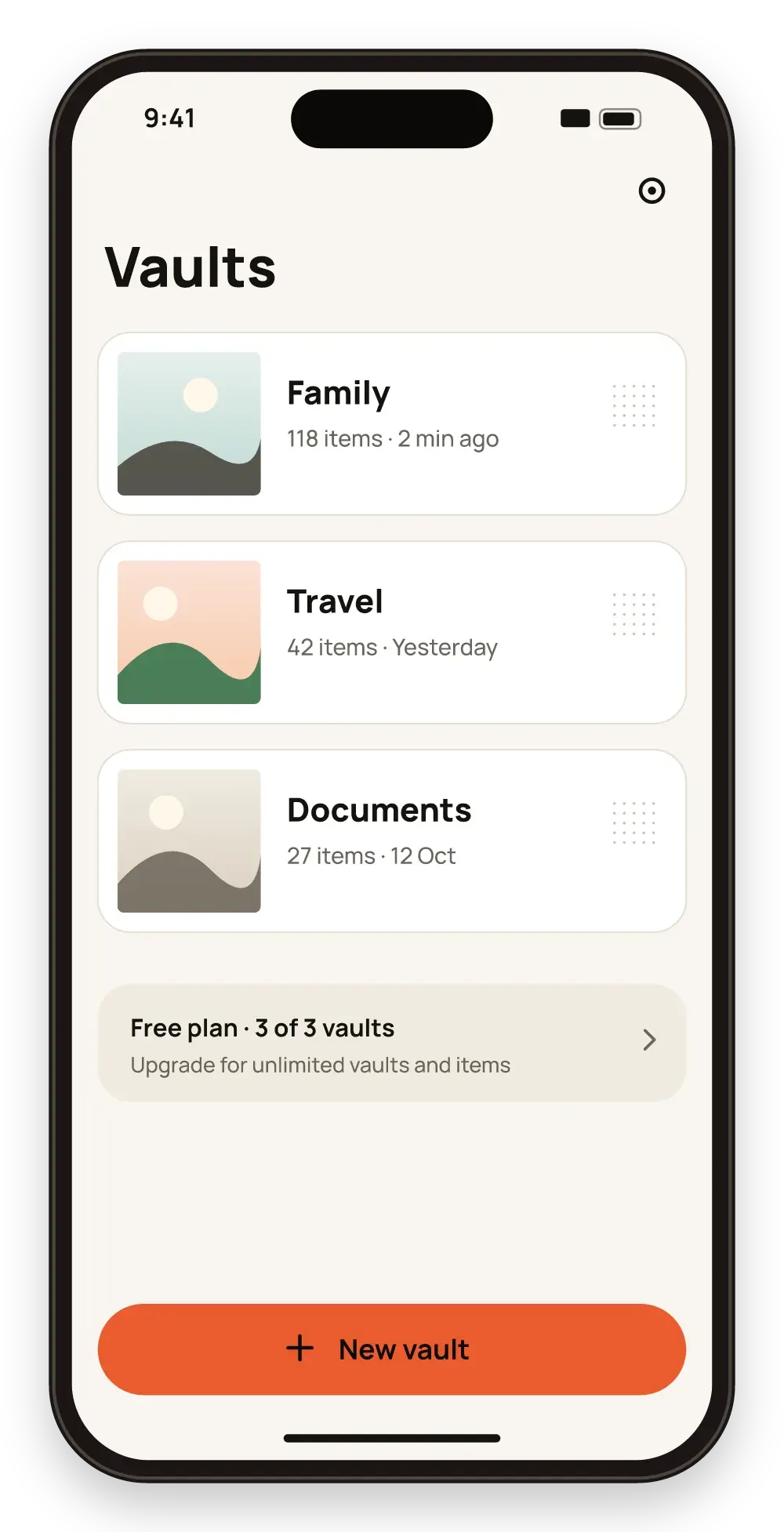
Keep work documents, family photos and personal files apart. Every vault has its own pattern and its own encryption key.
Download Hidegrid and set up your first vault in under a minute.
Coming soon to the App StoreFree to start. No account needed.