How Hidegrid keeps your files private
The exact design, in plain language. What Hidegrid protects against, and what it does not.
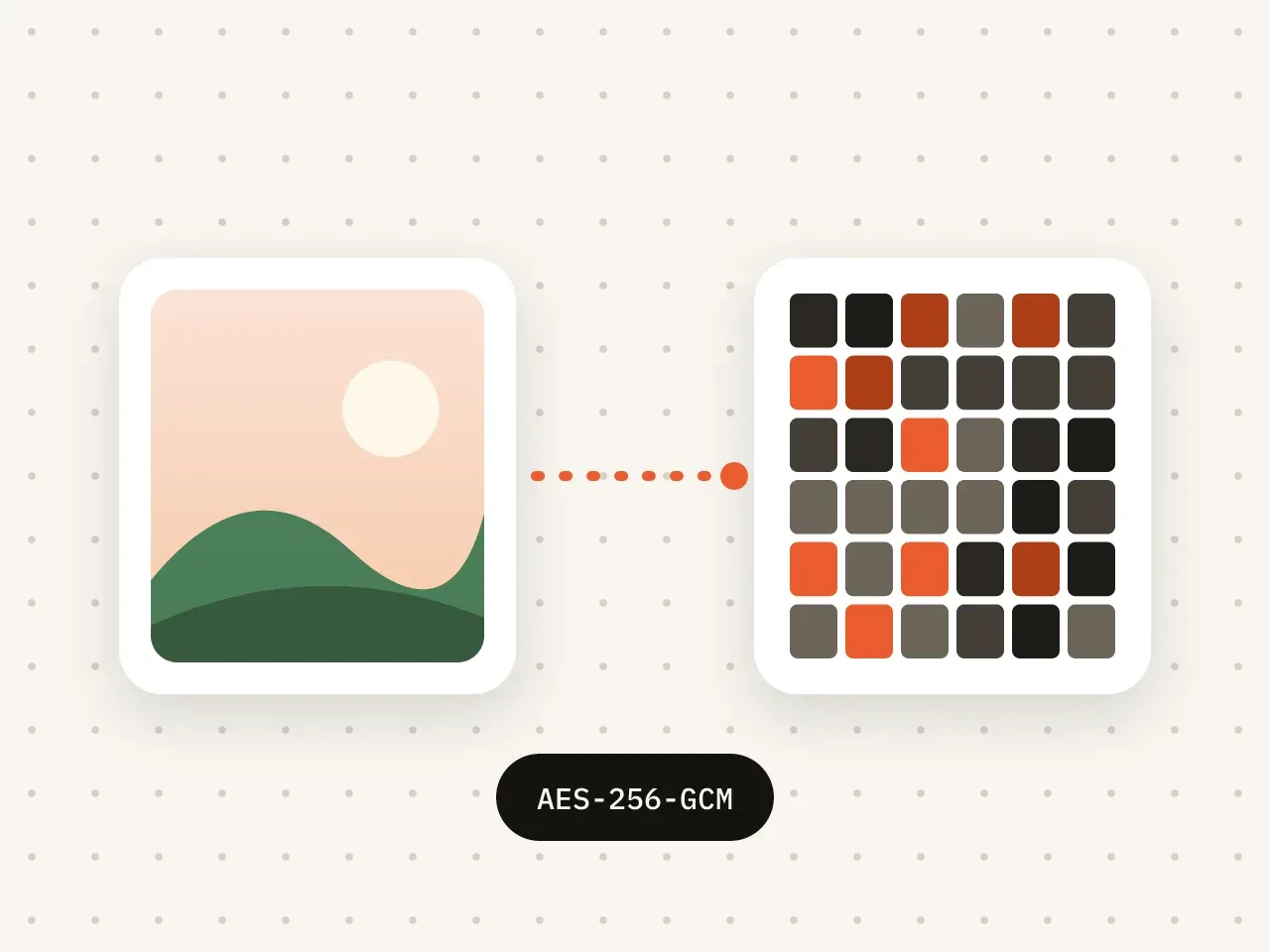
Hidegrid derives a 256-bit key from your pattern using PBKDF2-HMAC-SHA256 with 600,000 iterations and a random salt. That key unlocks the vault's master key, which unlocks a separate key for each file. Files are encrypted with AES-256-GCM, and their contents, names and folder details are all encrypted on your device. Your pattern is never stored, and Hidegrid has no server that holds your keys or files.
Key facts
- Grid: 5×5 (25 dots). Minimum pattern: 6 dots with at least one change of direction.
- Key derivation: PBKDF2, 600,000 iterations, random salt per vault.
- Encryption: AES-256-GCM for file contents and metadata.
- Accounts: none. Servers holding your keys or files: none.
- Recovery: nine-word phrase per vault.
From pattern to key
A pattern is a sequence of dots on a 5×5 grid. It must use at least 6 dots and change direction at least once, which rules out the simplest straight lines.
Hidegrid feeds the pattern and a random salt into PBKDF2 with 600,000 iterations. This makes each guess slow, so trying patterns one after another takes a long time.
The result is a 256-bit key-encryption key. It unlocks the vault's master key, which unlocks a separate key for each file. The pattern and the key-encryption key are never written to storage.
How files are encrypted
Every photo, video and file is encrypted with AES-256-GCM, a modern standard that also detects tampering.
Metadata is encrypted too: file names, folder names, dates and the structure of your folders.
Encryption uses Apple's CryptoKit on your device. Nothing is sent to us.
Recovery phrase
Each vault has a nine-word recovery phrase. It can unlock the vault's keys if you forget the pattern. We never see or store it.
iCloud backup and sync
Backups are encrypted on your device before upload. Apple stores the encrypted data in your iCloud account but does not have your key. iPhone and iPad sync, coming to Pro in a free update, uses the same protection.
What Hidegrid protects against
- Someone who picks up your unlocked phone and opens the app without your pattern.
- Someone who knows your iPhone passcode but not your vault pattern.
- Anyone who gets a copy of your encrypted backup without your pattern or recovery phrase.
- Being forced to open the app, if you set up a duress pattern (Pro).
What Hidegrid cannot protect against
- Someone who sees you draw your pattern, or finds your recovery phrase.
- Malware or a compromised device that can watch the screen while the vault is open.
- Photos you exported, shared or that still exist in Photos or Recently Deleted.
- Loss of both your pattern and recovery phrase. Then the vault cannot be opened by anyone, including us.
- Very short or simple patterns. A long pattern with several turns is much harder to guess.
Report a security issue
Found a security problem? Email security@hidegrid.com. We reply within a few working days and credit researchers who want it.
Security questions
Can Hidegrid see my photos?
No. Your files are encrypted on your device with a key from your pattern. We never receive your files, pattern, phrase or keys.
Is a pattern as safe as a password?
A pattern is only as strong as its length and complexity. Hidegrid's 5×5 grid allows many more patterns than a 3×3 grid, and each guess is slowed by 600,000 PBKDF2 rounds. A long pattern with several turns is the safest choice.
What is AES-256-GCM?
AES is the most widely used encryption standard. 256 is the key length in bits. GCM is a mode that encrypts the data and also checks that nobody changed it.
Has Hidegrid been audited?
Not yet. We publish this design so experts can check it, and we will list any independent audit here when one is done.
Keep private things private
Download Hidegrid and set up your first vault in under a minute.
Coming soon to the App StoreFree to start. No account needed.