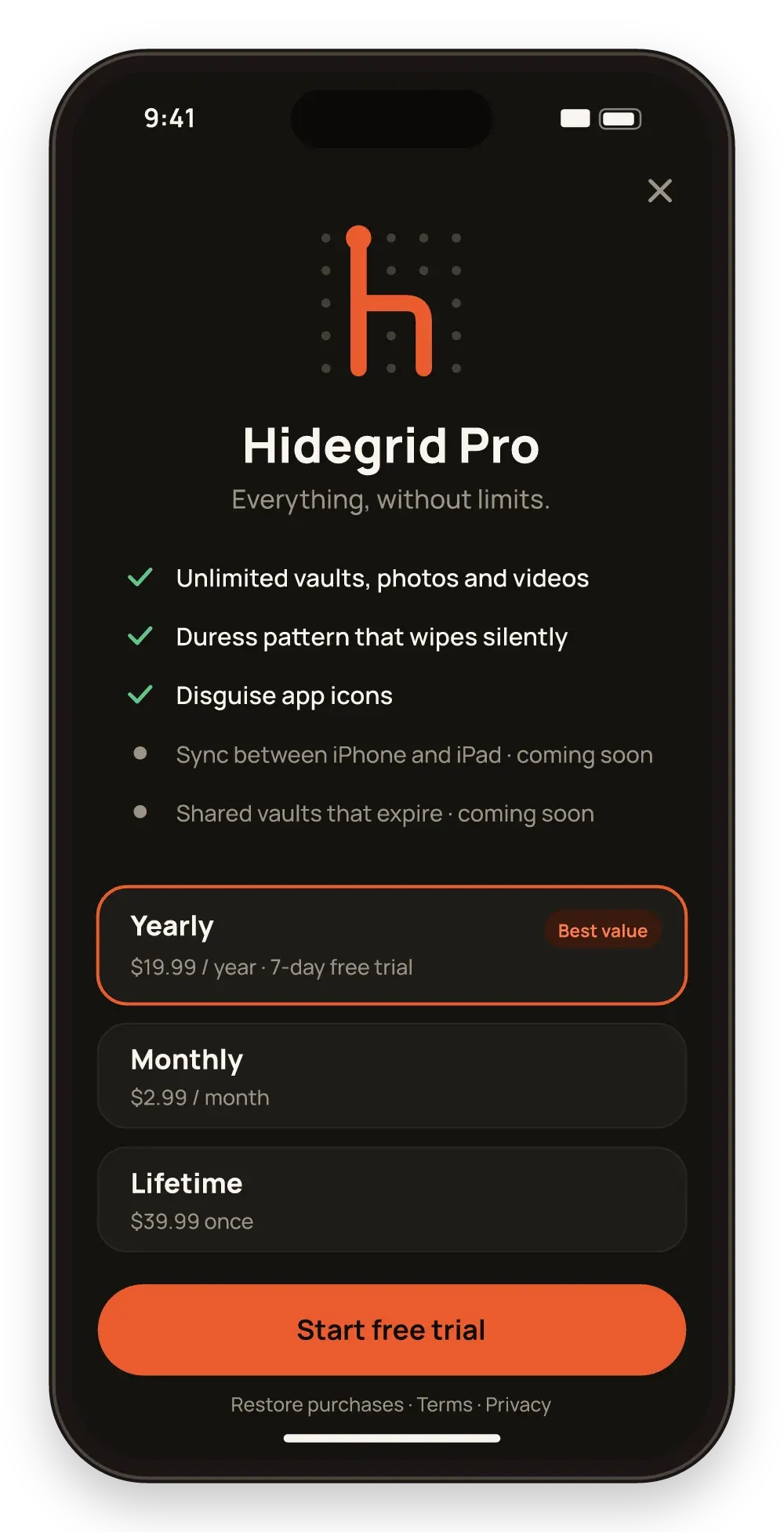
Pro
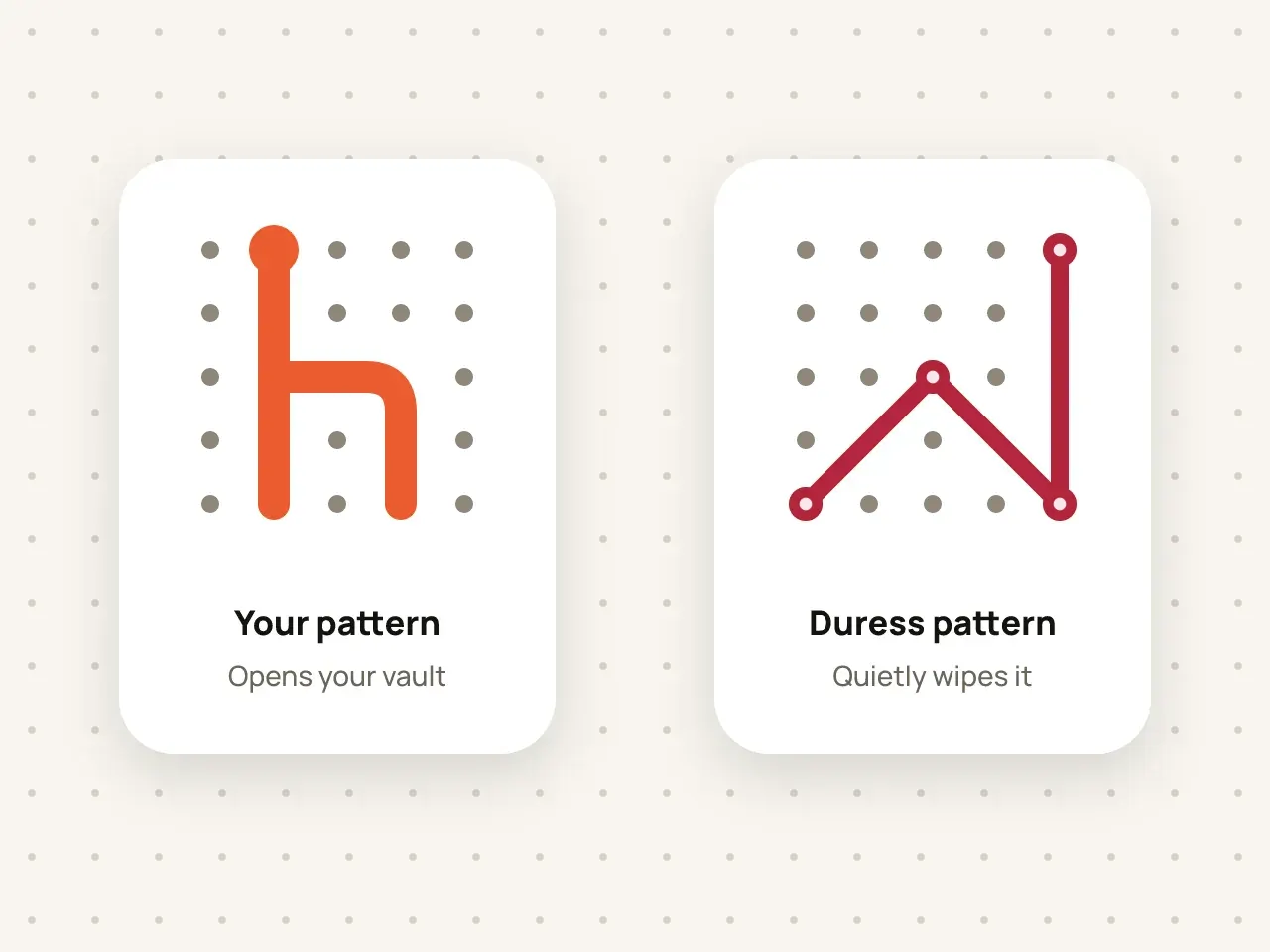
Duress pattern
Set a second pattern for emergencies. If someone forces you to open Hidegrid, drawing it quietly erases the vault.
Change the Hidegrid icon on your Home Screen to a neutral design, so the vault does not stand out.
Free to start. No account needed.
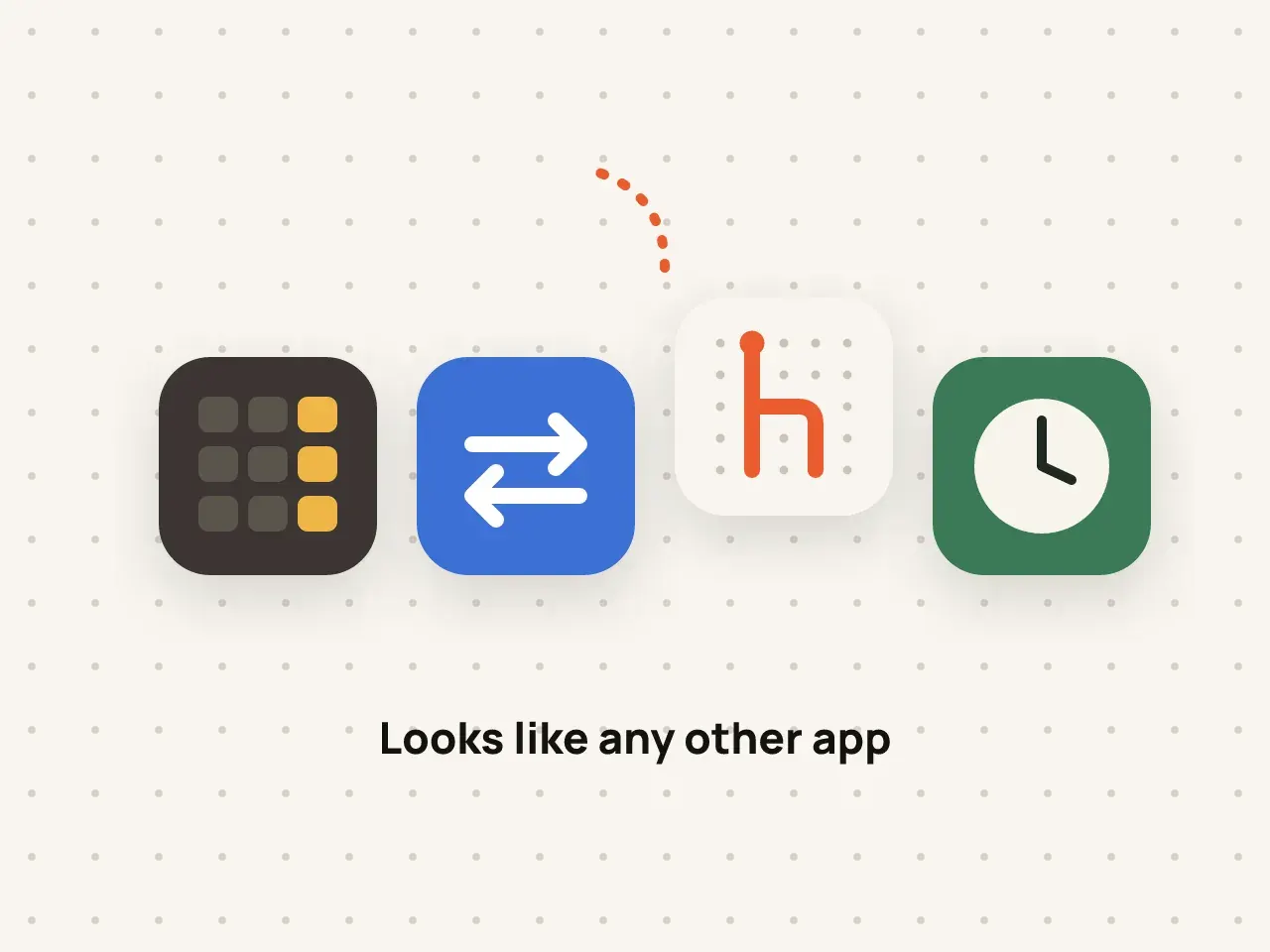
Hidegrid Pro lets you replace the app's Home Screen icon with one of several neutral designs, such as a calculator or notes style icon. The change uses Apple's alternate app icon feature, so iOS shows a short confirmation when you switch.
Go to App icon.
Choose one of the neutral icons.
iOS shows a message that the icon has changed.
A plain icon draws fewer questions on a shared or borrowed phone.
Return to the standard icon in one tap.
The icon is only a disguise. The pattern and encryption protect the files.
The app name under the icon, and the name in Settings, Spotlight and the App Store, can still show Hidegrid. A disguise icon makes the app less obvious, not invisible.
No. The icon changes how Hidegrid looks on the Home Screen. Opening it shows Hidegrid's unlock screen.
iOS lets you move any app to the App Library or a hidden Home Screen page. That is an iOS feature, separate from Hidegrid.
Disguise icons are part of Hidegrid Pro.
Set a second pattern for emergencies. If someone forces you to open Hidegrid, drawing it quietly erases the vault.
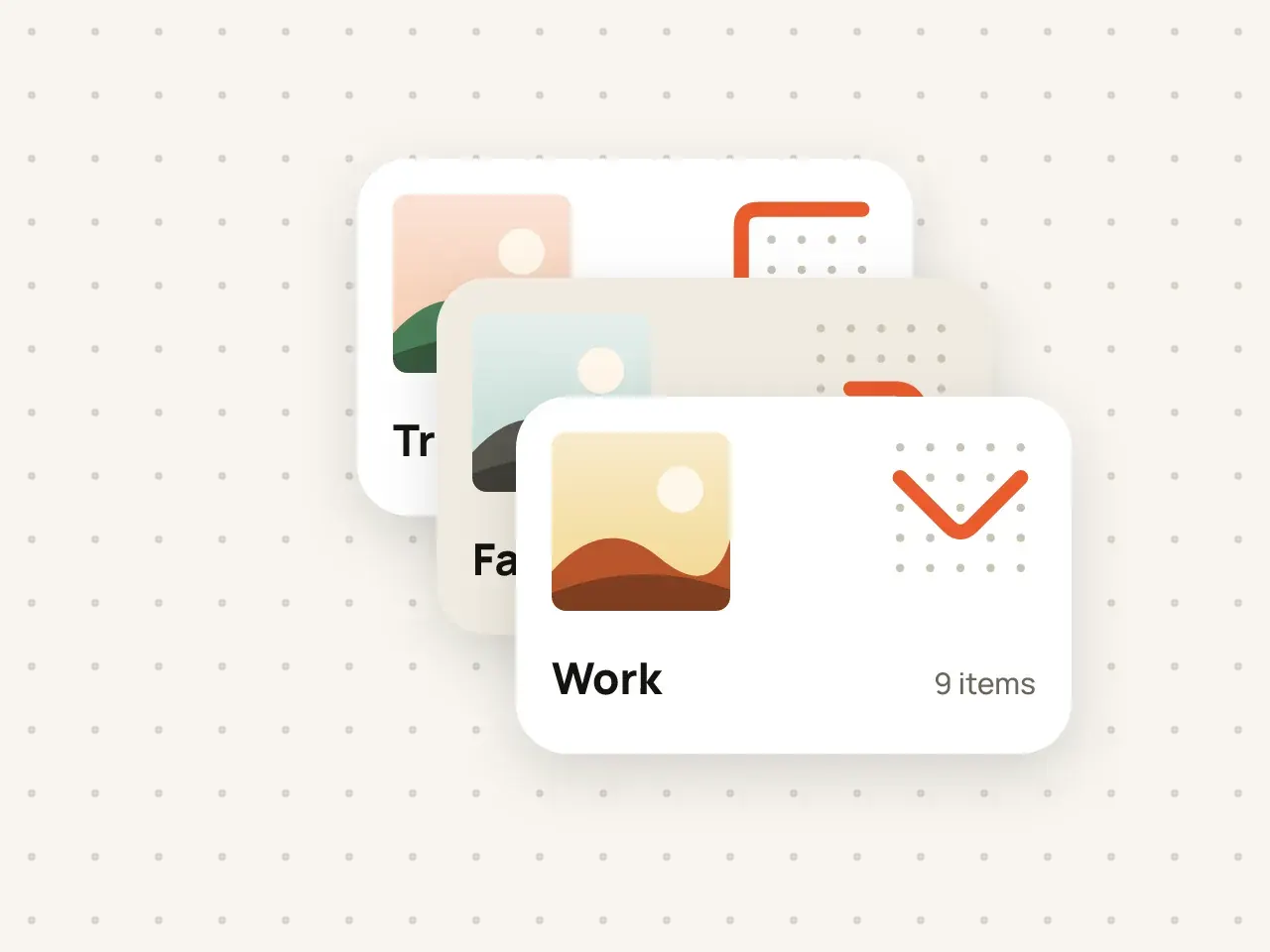
Keep work documents, family photos and personal files apart. Every vault has its own pattern and its own encryption key.
Download Hidegrid and set up your first vault in under a minute.
Coming soon to the App StoreFree to start. No account needed.