Free
Import from Photos and Files
Bring photos, videos, PDFs and other files into Hidegrid. They are encrypted on your device as they are imported.
Take photos and videos inside Hidegrid. They are encrypted straight into your vault and never appear in the Photos app.
Free to start. No account needed.
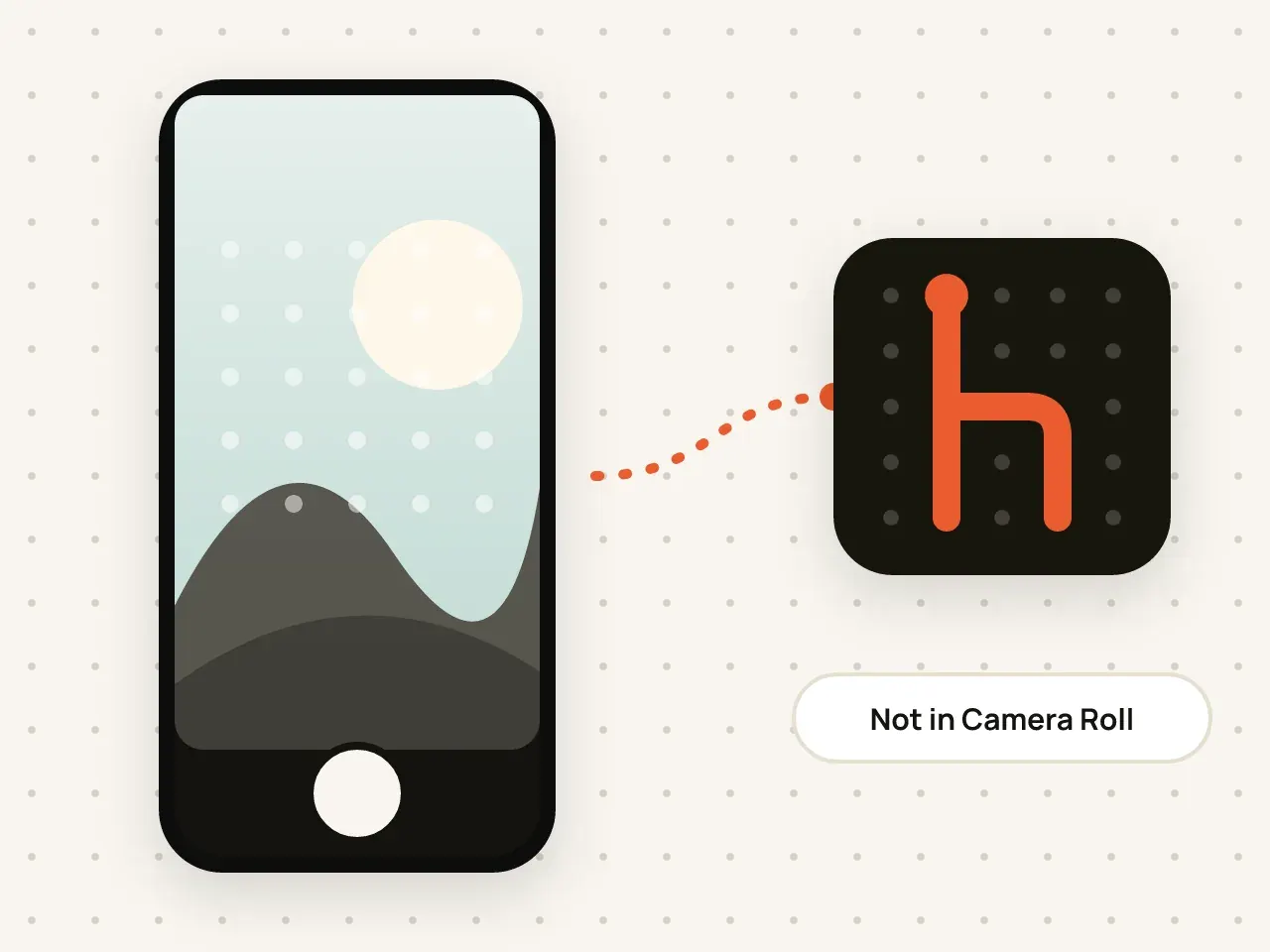
Hidegrid has a built-in camera. Photos and videos you take with it are encrypted and saved only inside the open vault. No copy is written to your Camera Roll, so nothing appears in the Photos app or in iCloud Photos.
Draw your pattern to unlock the vault you want to use.
Switch between photo and video, front and back camera.
Each shot is encrypted and added to the vault right away.
You do not have to remember to delete the photo from your Camera Roll and Recently Deleted.
Because the photo is never in your library, it is not uploaded with iCloud Photos.
Camera shots get the same AES-256-GCM encryption as every other item.
Hidegrid needs camera access to use this feature, and microphone access for video with sound. You can turn both off any time in iOS Settings.
Yes. They count like any other photo or video in the vault.
No. Hidegrid does not ask for location access, so photos and videos taken with its camera never contain location data.
Yes. You can share or save any item from the vault when you choose to.
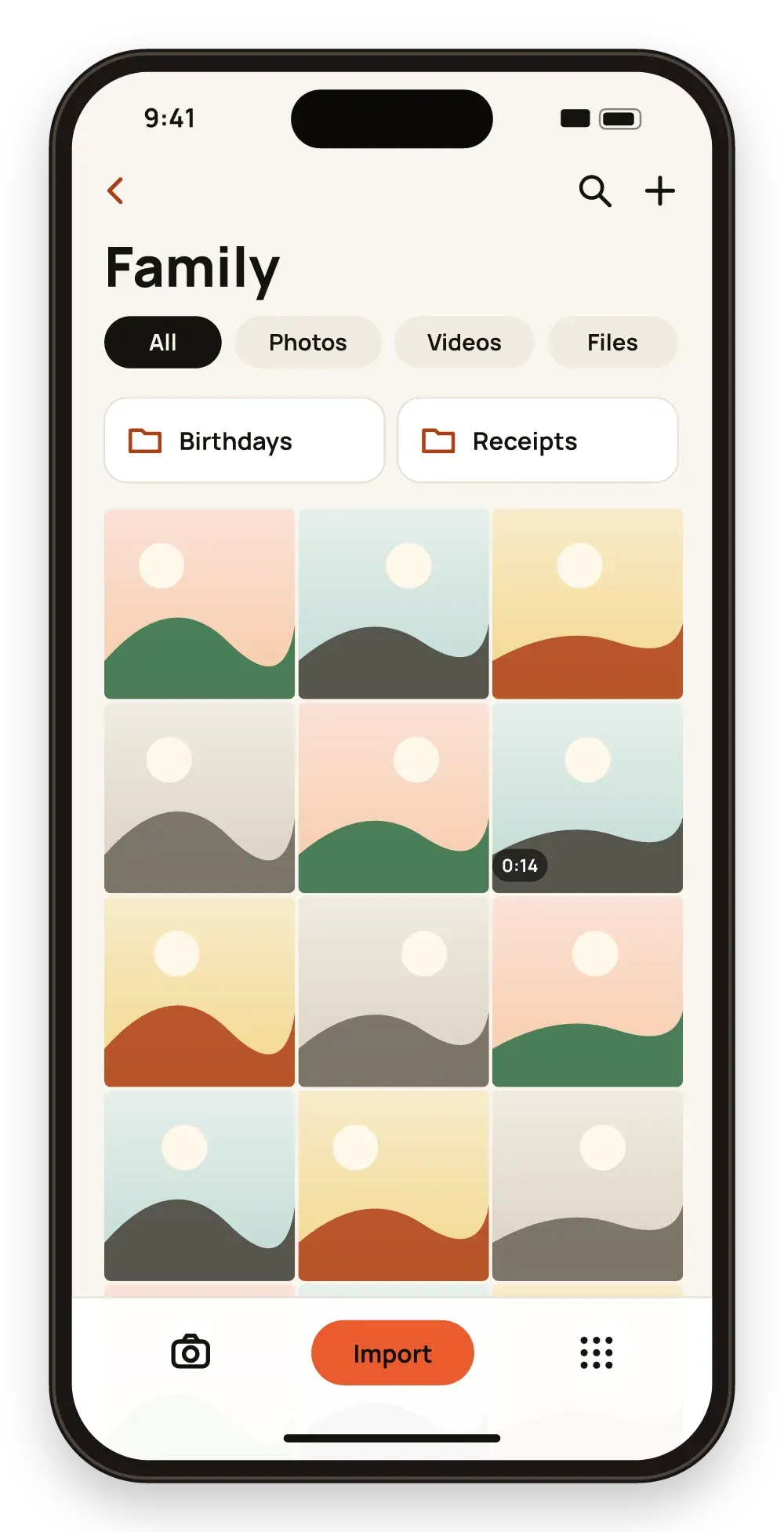
Bring photos, videos, PDFs and other files into Hidegrid. They are encrypted on your device as they are imported.

Create folders inside folders and search by name. Names and details are encrypted just like the files.
Download Hidegrid and set up your first vault in under a minute.
Coming soon to the App StoreFree to start. No account needed.